Head to head
Kingston FURY Renegade G5 2TB vs Samsung 9100 PRO 8TB
Our pick
Kingston FURY Renegade G5 2TB
For a PC with a PCIe 5.0 slot
Why this one
- Choose the Kingston FURY Renegade G5 2TB for a supported PCIe 5.0 desktop build when a larger documented write allowance matters. Kingston lists 2,048GB and a 2,000TB JEDEC Client Workload rating.1
- Its M.2 2280 module is 2.3mm high; follow your computer’s clearance and cooling requirements. The limited warranty ends after five years or Percentage Used reaching 100 in Kingston SSD Manager.1
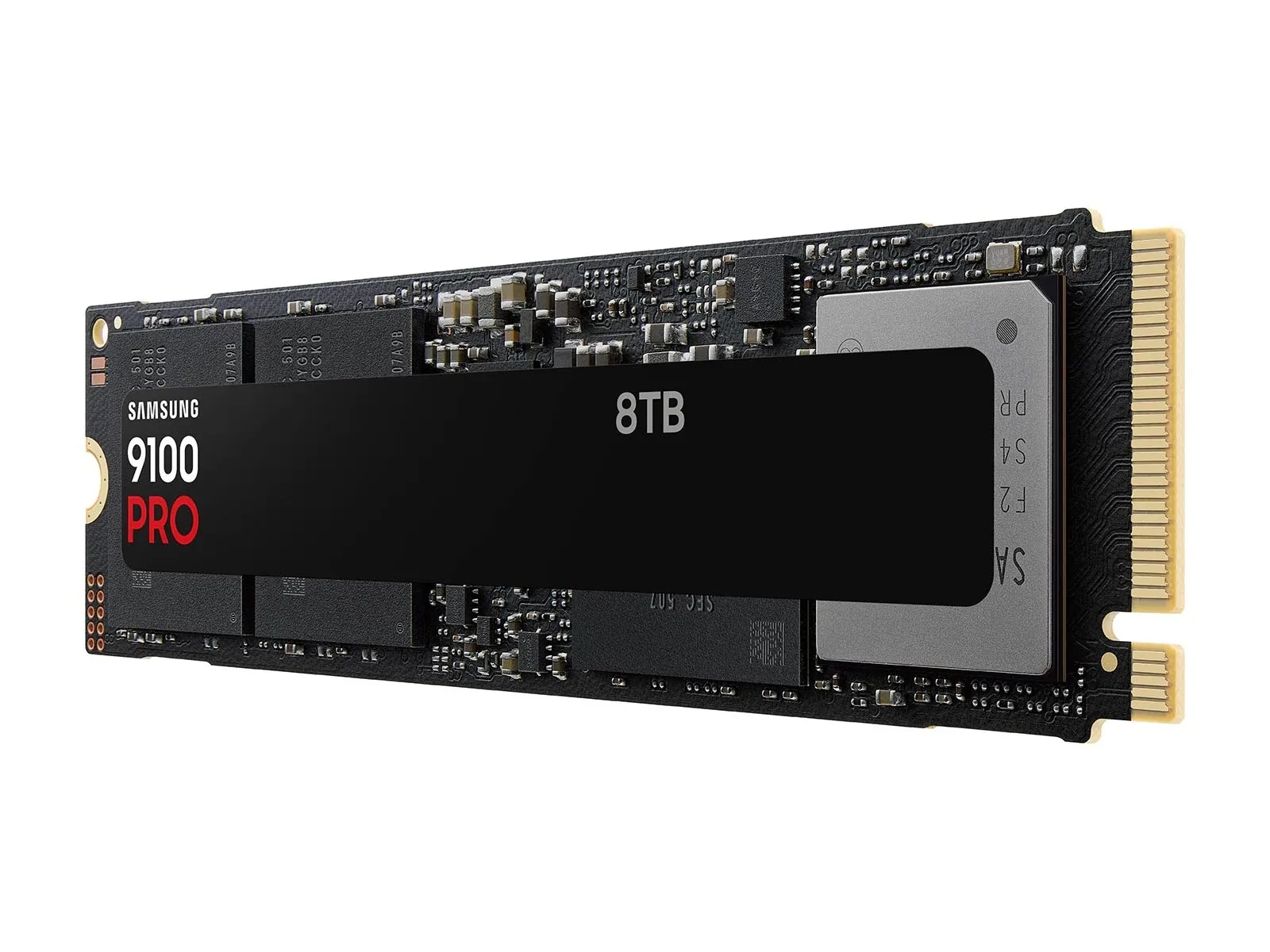
Product photographs. Not to scale.
What Samsung 9100 PRO 8TB offers
Samsung 9100 PRO 8TB provides 8TB for files and applications in a PCIe 5.0 M.2 2280 build, with a manufacturer-rated 4,800TB write allowance.2
What differs
| Specification | Kingston FURY Renegade G5 2TB | Samsung 9100 PRO 8TB |
|---|---|---|
| Capacity | 2,048 GB1 | 8,000 GB2 |
More details
| Specification | Kingston FURY Renegade G5 2TB | Samsung 9100 PRO 8TB |
|---|---|---|
| PCIe generation | PCIe 5.01 | Gen52 |
| Sequential read speed | Not published | Not published |
| Endurance | 2,000 TB (Workload: JEDEC Client Workload (JESD219A))1 | 4,800 TB2 |
| Sequential write speed | Not published | Not published |
| Flash cell type | Tlc1 | Not published |
| DRAM cache | Yes1 | Not published |
| Warranty | 5 years (Duration: Five years or Percentage Used reaching 100 in Kingston SSD Manager)1 | 5 years (Duration: Five years or 4,800TB written, whichever comes first)3 |
| M.2 form factor | M.2 22801 | M.2 (2280)2 |