Buying guide
Open Drive Docks
Our pick
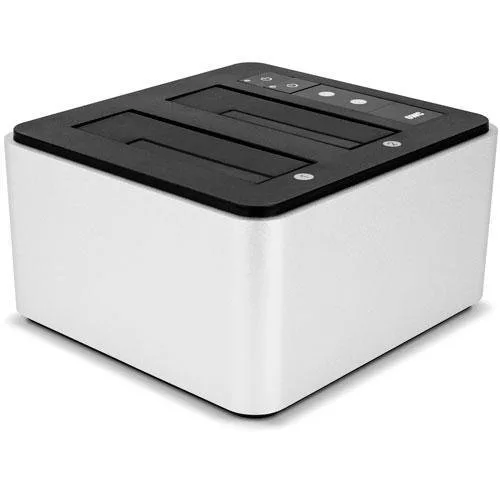
OWC Drive Dock
Choose the OWC Drive Dock for connecting two bare SATA drives at a desk.1
Why this one
For copying a drive without a computer
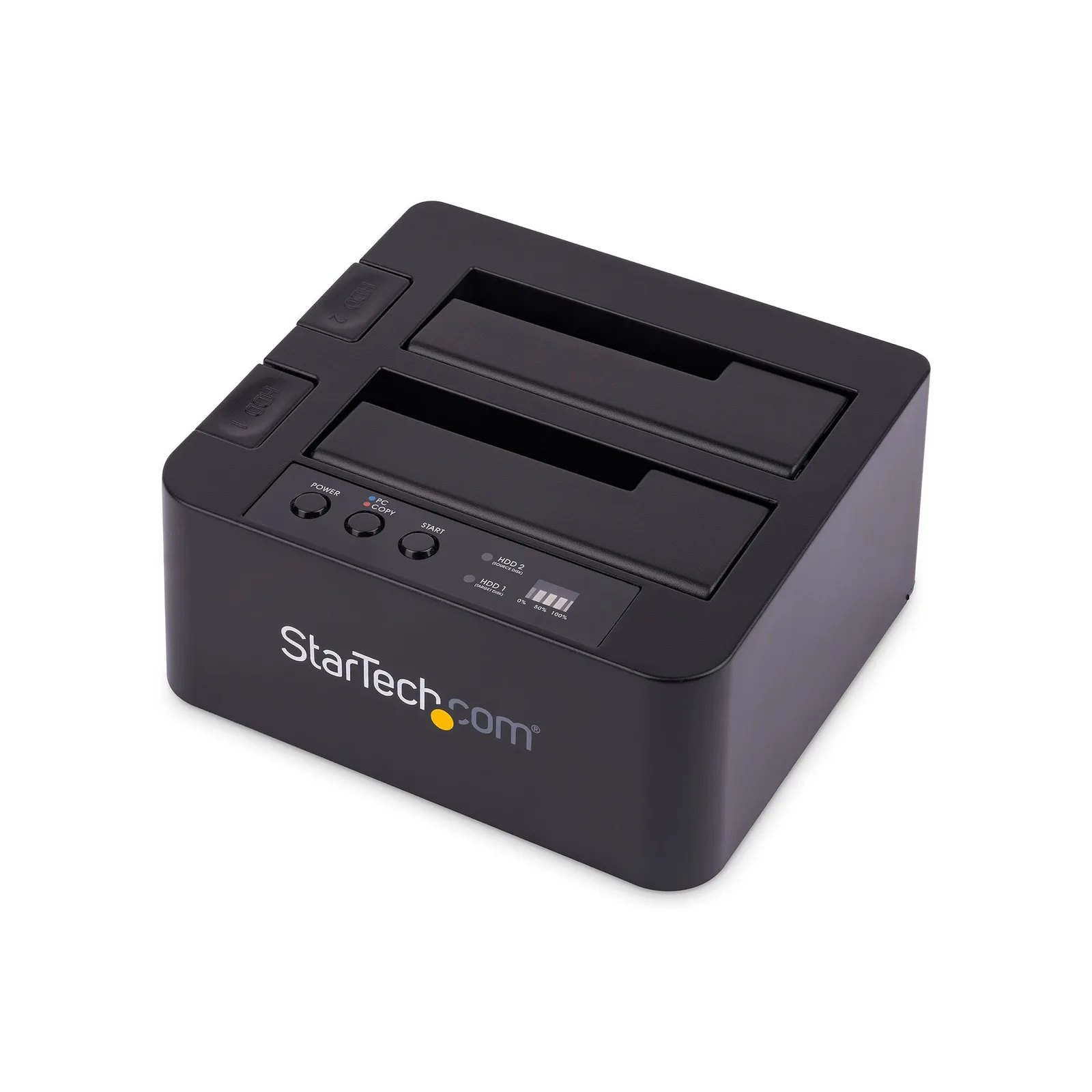
For direct copying between SATA drives without a computer, choose a dock that explicitly supports offline cloning.24 The StarTech SDOCK2U313R provides offline cloning for 2.5 or 3.5 inch SATA drives.24 It also connects to a computer over USB 3.2 Gen 2 and includes both USB C and USB A host cables.24
Compare the options
2 products
Compare models side by side
Choose two or three products to compare.
Models in this comparison
Every specification for these products
| Specification | OWC Drive Dock | StarTech SDOCK2U313R |
|---|---|---|
| Interface | USB 3.2 (10Gb/s)1 | USB 3.2 Gen 22 |
| Compatible drives | 2.5-inch and 3.5-inch SATA drives1 | 2.5/3.5" SATA drives2 |
| Enclosure type | Open dock3 | Open dock2 |
| Power source | AC powered1 | — |
| Drive bays | 21 | — |
| Tool-free | Yes1 | Yes2 |
| Cooling | Passive1 | — |
| Warranty | 2 years1 | 2 years2 |
| Drive cloning | — | Yes4 |
How they compare
| Specification | Our pickOWC Drive Dock | StarTech SDOCK2U313R |
|---|---|---|
| Buy | ||
| Interface | USB 3.2 (10Gb/s)1 | USB 3.2 Gen 22 |
| Compatible drives | 2.5-inch and 3.5-inch SATA drives1 | 2.5/3.5" SATA drives2 |
| Enclosure type | Open dock3 | Open dock2 |
| Power source | AC powered1 | — |
| Drive bays | 21 | — |
| Tool-free | Yes1 | Yes2 |
| Cooling | Passive1 | — |
| Warranty | 2 years1 | 2 years2 |
| Drive cloning | — | Yes4 |