Buying guide
Drive Enclosures & Docks
Our pick
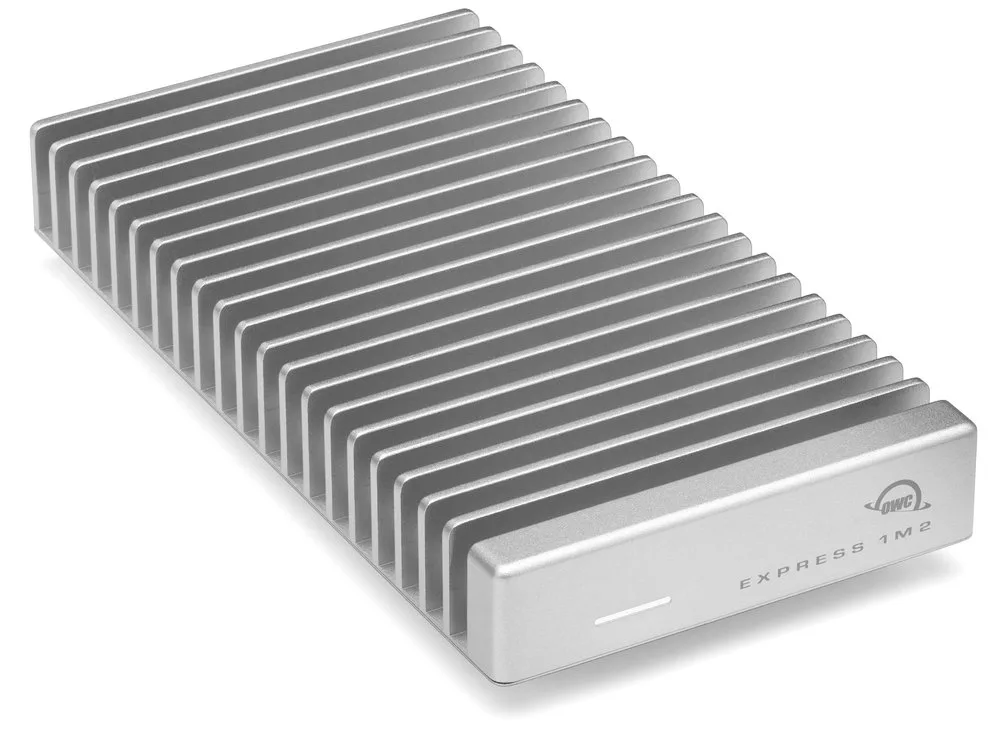
OWC Express 1M2
Choose the empty OWC Express 1M2 to reuse one NVMe SSD with a USB4 40 Gb/s computer.1
Why this one
- It accepts single- or double-sided 2230, 2242 and 2280 NVMe drives, includes a 40Gb/s USB-C cable and carries a two-year empty-enclosure warranty. Supply your own compatible SSD.1
Browse by type
The alternatives
Other contenders
OWC miniStack STX 2TB NVMe Matte Black
Choose the populated miniStack STX 2TB NVMe for included SSD storage and three extra Thunderbolt ports on a compatible Mac running macOS 11 or later. Its separate SATA bay leaves room for another drive; USB alone cannot access the NVMe SSD.91119
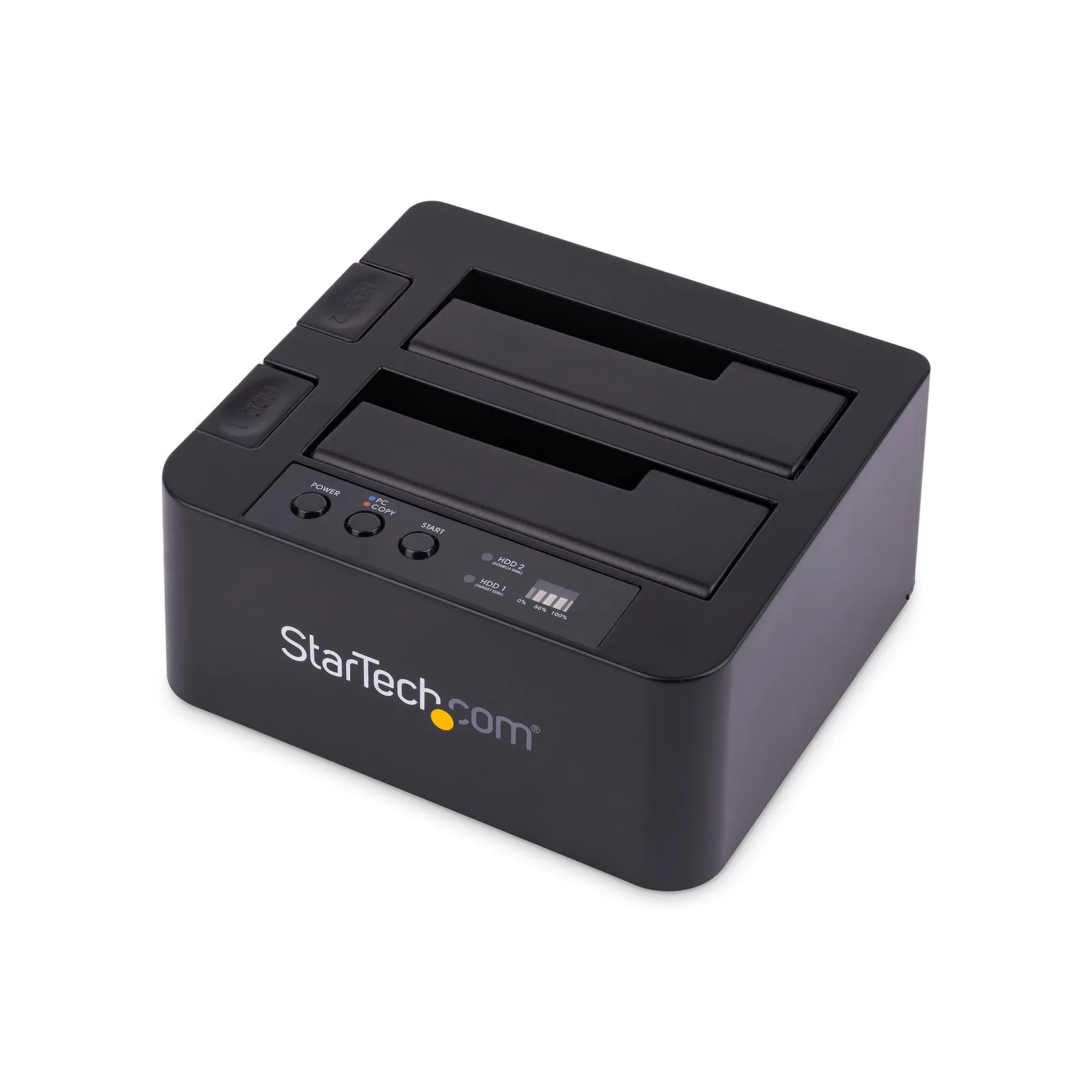
Choose the StarTech SDOCK2U313R for computer-free cloning between 2.5-inch or 3.5-inch SATA drives. Its open, tool-free dock makes drive changes straightforward.1820
For storage that travels on one cable
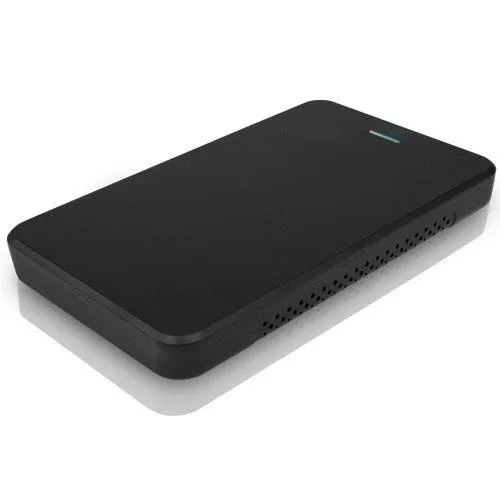
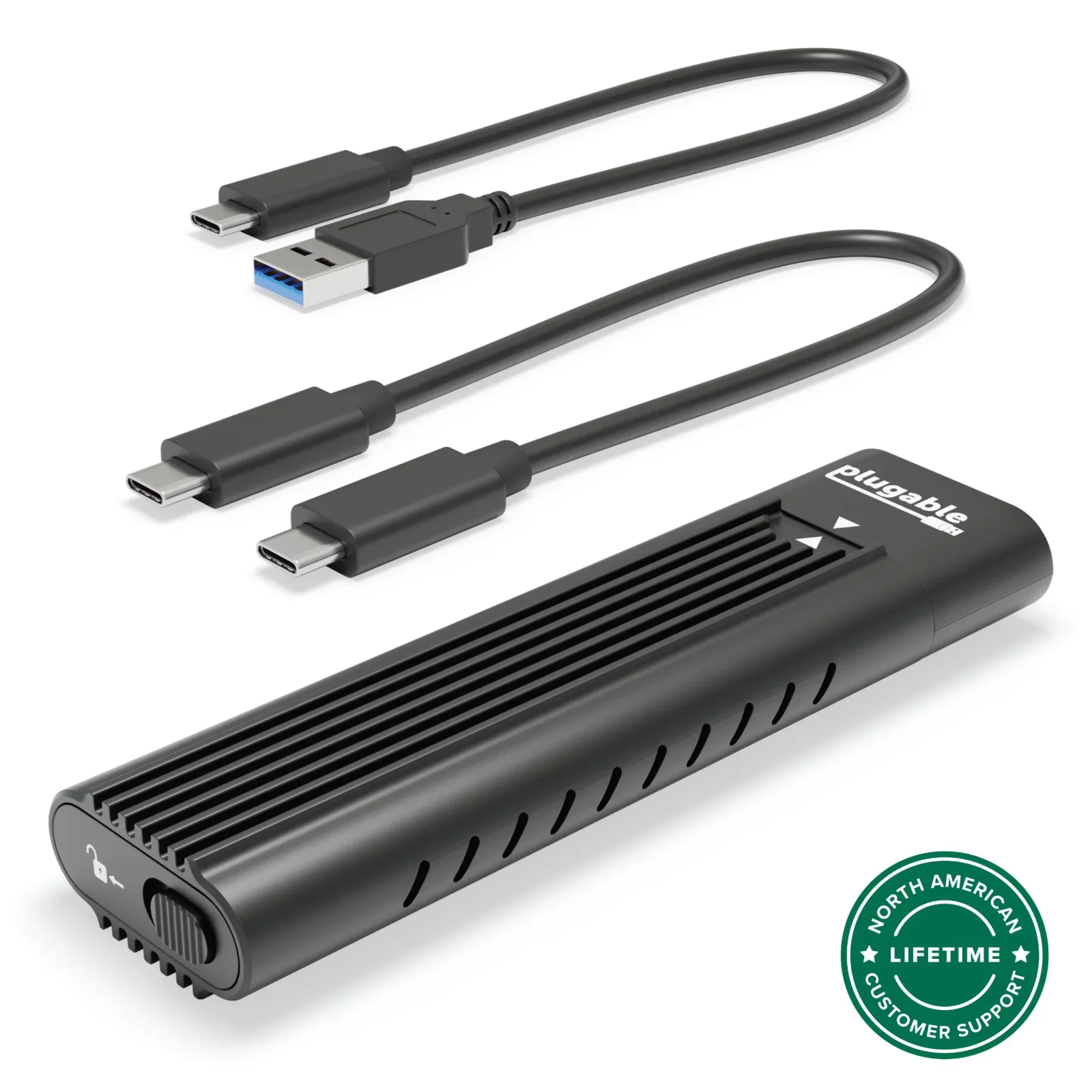
Match the enclosure to the drive you already own: a 2.5-inch SATA drive and an M.2 NVMe drive require different housings.516 For an NVMe drive, the bus-powered Plugable USBC-NVMe offers tool-free installation and both USB-C and USB-A cables. Its host connection uses USB 3.1 Gen 2.16
For connecting several drives at once
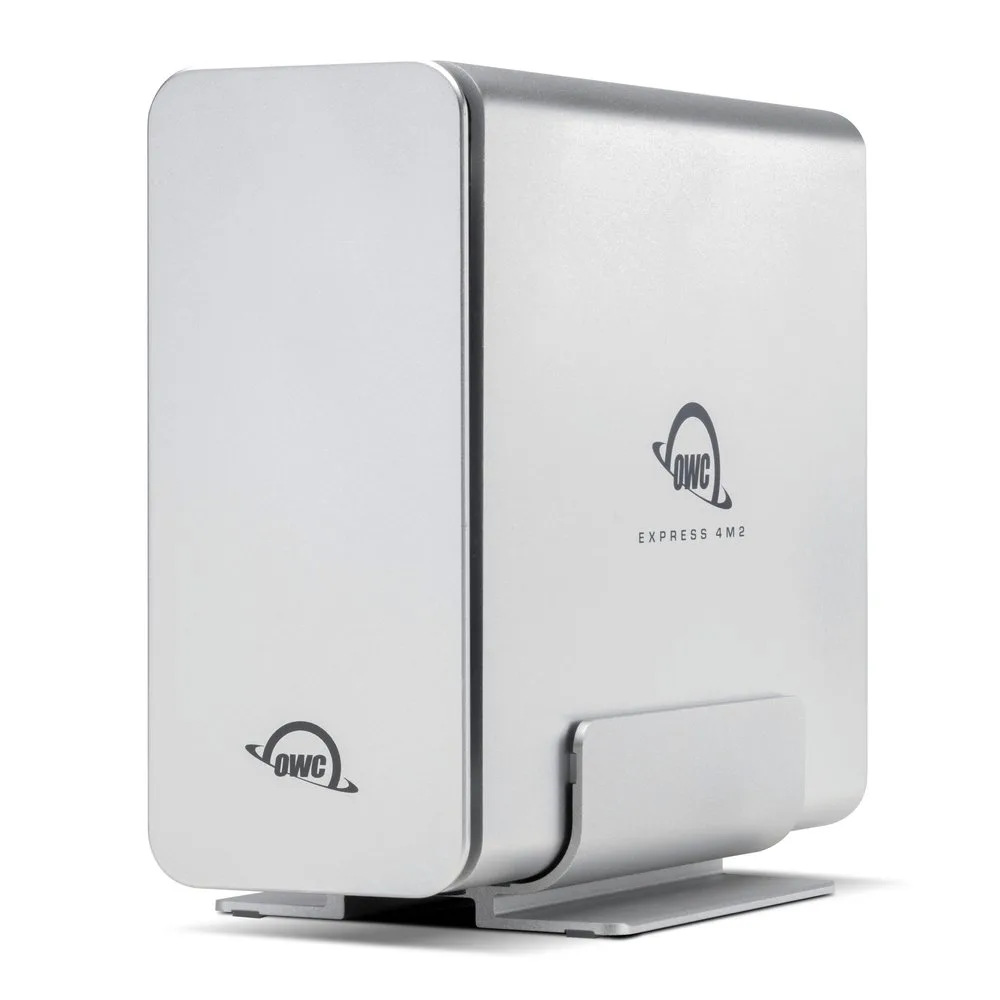
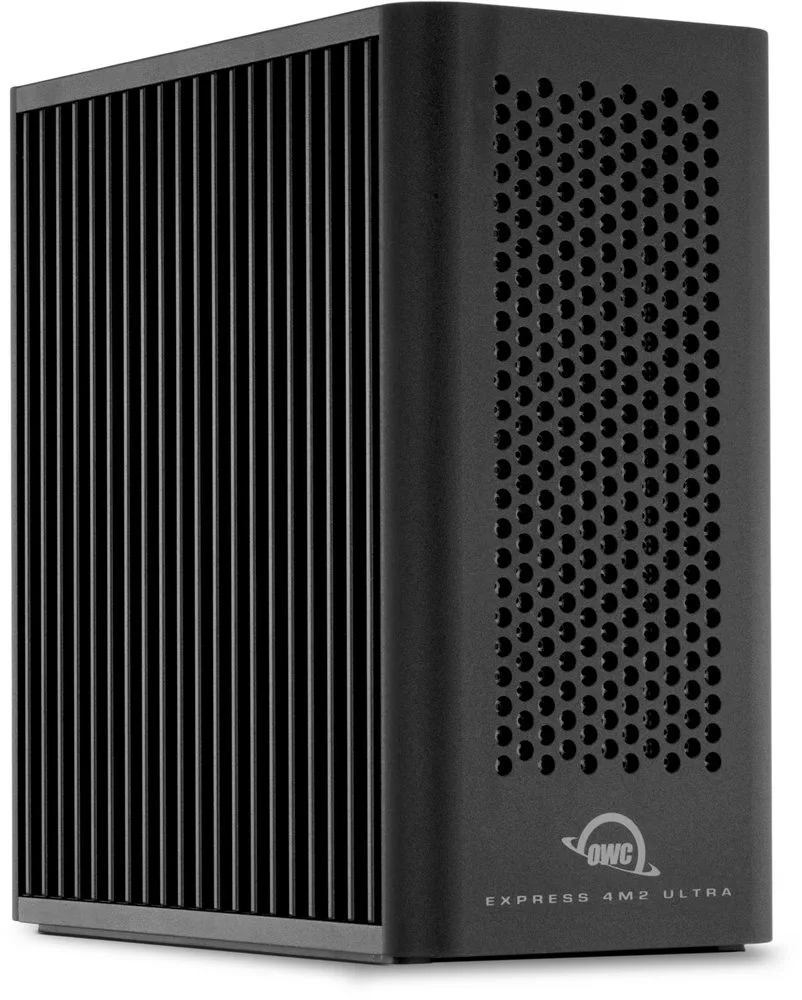
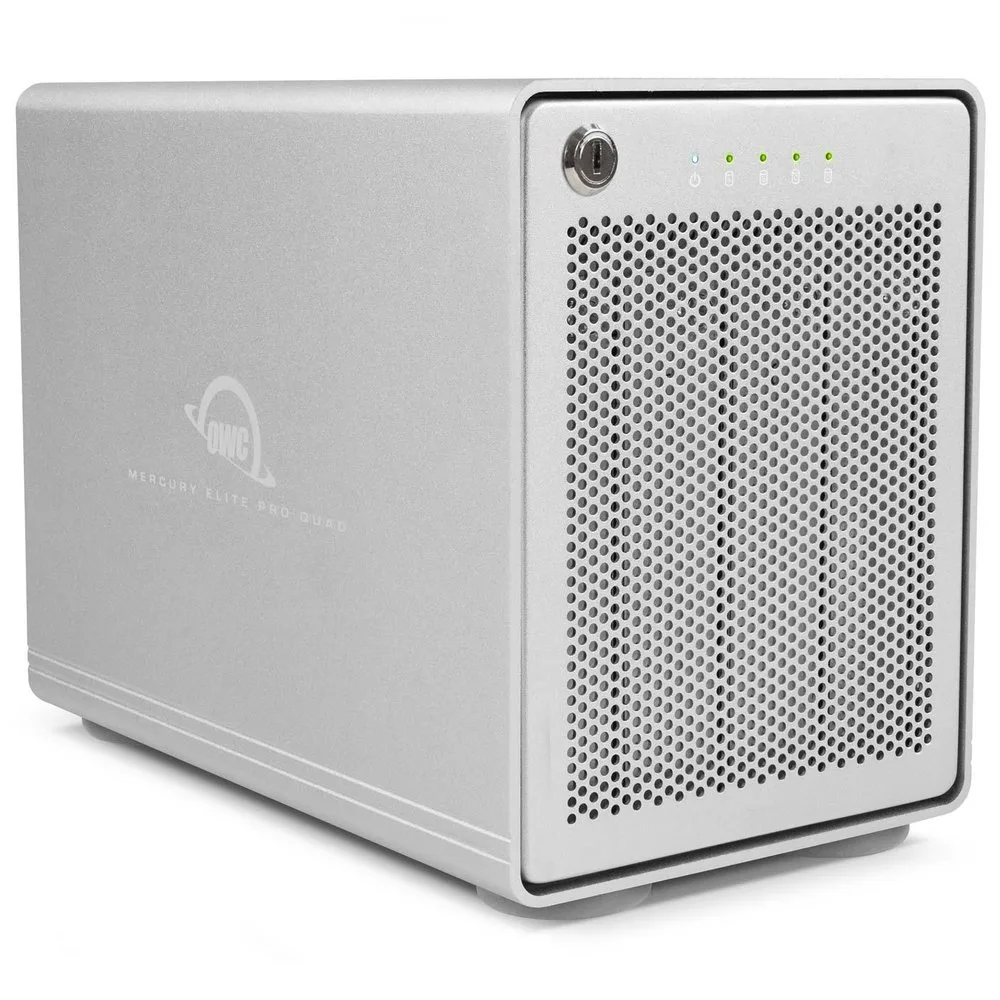
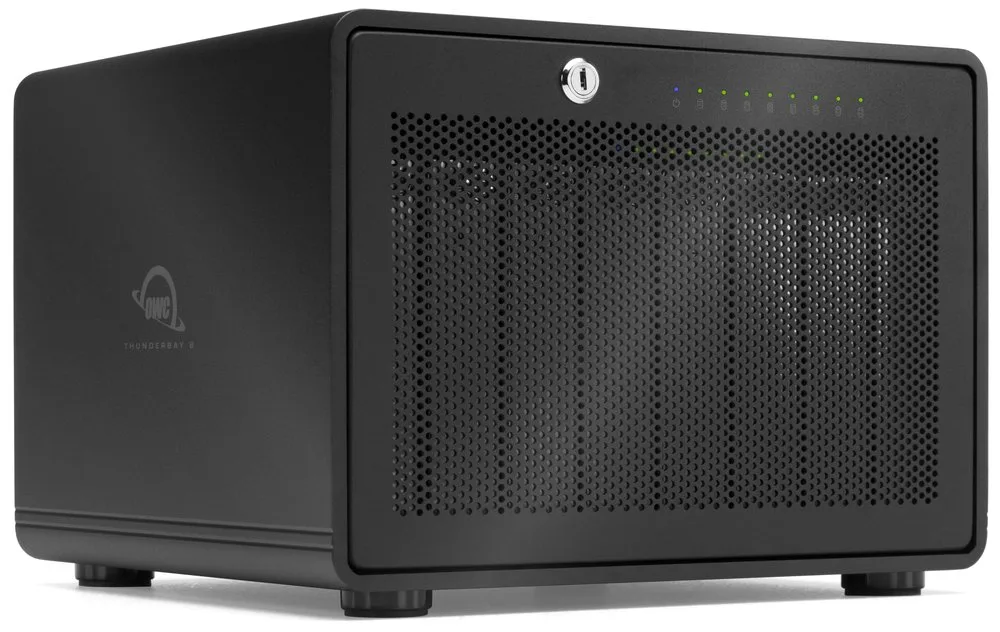
Start with drive type and count: the Mercury Elite Pro Quad holds four SATA drives over USB, while the Express 4M2 Ultra takes four M-key NVMe drives.7821 The empty Express 4M2 Ultra fits four 2242 or 2280 M-key NVMe drives. RAID needs SoftRAID or another RAID utility; installation uses screws, and SSDs with attached heatsinks are unsupported.722 For eight SATA drives, choose the empty ThunderBay 8 with a Thunderbolt 3 computer. It accepts both 2.5- and 3.5-inch drives.315
Compare the options
14 products
Narrow your options
Reset requirements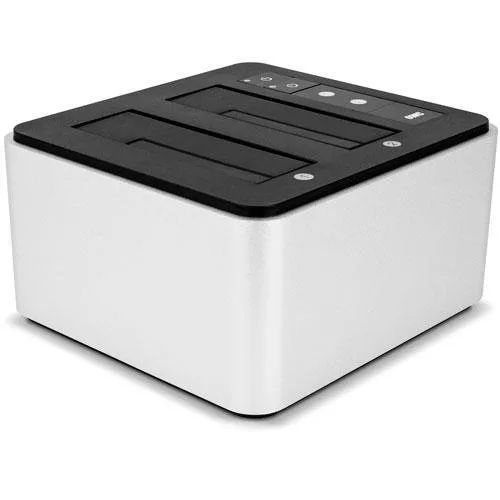
Compare models side by side
Choose two or three products to compare.
Models in this comparison
Every specification for these products
| Specification | OWC Express 1M2 | OWC Drive Dock | OWC Express | OWC Express 4M2 | OWC Express 4M2 Ultra | OWC Mercury Elite Pro Quad | OWC miniStack STX 1TB NVMe Matte Black | OWC miniStack STX 2TB HDD + 2TB NVMe Matte Black | OWC miniStack STX 2TB NVMe Matte Black | OWC miniStack STX 4TB HDD Matte Black | OWC ThunderBay 4 | OWC ThunderBay 8 | Plugable USBC-NVMe | StarTech SDOCK2U313R |
|---|---|---|---|---|---|---|---|---|---|---|---|---|---|---|
| Interface | USB4 (40Gb/s)1 | USB 3.2 (10Gb/s)2 | USB 3.2 (5Gb/s)4 | USB4 (40Gb/s)6 | Thunderbolt 5 (Host: Mac: macOS14.6.x or later; Thunderbolt5 requires macOS15.3.x or later; Thunderbolt3 and Intel based systems require macOS15.x or later; PC: Windows11(24H2) or later)7 | USB 3.2 Gen 28 | Thunderbolt 4 (Host interface: NVMe SSD usage requires a Thunderbolt (USB-C) host connection with a compatible system running macOS 11.x or later. USB host connectivity provides SATA drive use only and limits additional miniStack STX ports to USB connectivity only.)9 | Thunderbolt 4 (Host interface: NVMe SSD usage requires a Thunderbolt (USB-C) host connection with a compatible system running macOS 11.x or later. USB host connectivity provides SATA drive use only and limits additional miniStack STX ports to USB connectivity only.)9 | Thunderbolt 4 (Host interface: NVMe SSD usage requires a Thunderbolt (USB-C) host connection with a compatible system running macOS 11.x or later. USB host connectivity provides SATA drive use only and limits additional miniStack STX ports to USB connectivity only.)9 | Thunderbolt 4 (Host interface: NVMe SSD usage requires a Thunderbolt (USB-C) host connection with a compatible system running macOS 11.x or later. USB host connectivity provides SATA drive use only and limits additional miniStack STX ports to USB connectivity only.)9 | Thunderbolt (USB-C)3 | Thunderbolt 315 | USB 3.1 Gen 216 | USB 3.2 Gen 218 |
| Compatible drives | NVMe M.2 2230, 2242, or 2280 single or double-sided SSD1 | 2.5-inch and 3.5-inch SATA drives2 | Any 2.5” SATA drive up to 9.5 mm tall5 | NVMe M.2 SSDs3 | Any PCIe M.2 SSD with 2280 | 2242 M-Key form factor (Host: NVMe SSDs with a heatsink are not supported)7 | 2.5" and 3.5" SATA drives21 | - (1) 2.5-inch or 3.5-inch SATA 6Gb/s SSD or HDD - (1) NVMe M.2 SSD 2280 (Host interface: NVMe SSD usage requires a Thunderbolt (USB-C) host connection with a compatible system running macOS 11.x or later. USB host connectivity provides SATA drive use only and limits additional miniStack STX ports to USB connectivity only.)11 | - (1) 2.5-inch or 3.5-inch SATA 6Gb/s SSD or HDD - (1) NVMe M.2 SSD 2280 (Host interface: NVMe SSD usage requires a Thunderbolt (USB-C) host connection with a compatible system running macOS 11.x or later. USB host connectivity provides SATA drive use only and limits additional miniStack STX ports to USB connectivity only.)11 | - (1) 2.5-inch or 3.5-inch SATA 6Gb/s SSD or HDD - (1) NVMe M.2 SSD 2280 (Host interface: NVMe SSD usage requires a Thunderbolt (USB-C) host connection with a compatible system running macOS 11.x or later. USB host connectivity provides SATA drive use only and limits additional miniStack STX ports to USB connectivity only.)11 | - (1) 2.5-inch or 3.5-inch SATA 6Gb/s SSD or HDD - (1) NVMe M.2 SSD 2280 (Host interface: NVMe SSD usage requires a Thunderbolt (USB-C) host connection with a compatible system running macOS 11.x or later. USB host connectivity provides SATA drive use only and limits additional miniStack STX ports to USB connectivity only.)11 | 2.5-inch or 3.5-inch3 | 2.5-inch and 3.5-in SATA Drives15 | M.2 NVMe SSDs (2230, 2242, 2260, 2280)16 | 2.5/3.5" SATA HDDS and SSDs (Host: Manufacturer table records tested with up to6TB drives; any-capacity wording is not a universal host compatibility guarantee.)18 |
| Enclosure type | Closed enclosure1 | Open dock3 | Closed enclosure5 | Closed enclosure6 | Closed enclosure7 | Closed enclosure8 | Closed enclosure10 | Closed enclosure12 | Closed enclosure13 | Closed enclosure14 | Closed enclosure3 | Closed enclosure3 | Closed enclosure16 | Open dock18 |
| Power source | Not published | AC powered2 | Bus powered4 | Not published | Not published | Not published | AC powered11 | AC powered11 | AC powered11 | AC powered11 | Not published | Not published | Bus powered16 | Not published |
| Drive bays | Not published | 22 | Not published | Not published | 47 | 48 | 211 | 211 | 211 | 211 | 43 | 83 | Not published | Not published |
| Tool-free | Not published | Yes2 | No5 | Not published | No7 | Not published | No11 | No11 | No11 | No11 | Not published | Not published | Yes16 | Yes18 |
| Cooling | Not published | Passive2 | Not published | Not published | Not published | Not published | Active fan9 | Active fan9 | Active fan9 | Active fan9 | Not published | Not published | Passive17 | Not published |
| RAID modes | Not published | Not published | Not published | Not published | RAID 0/1/4/5/10/JBOD (Protocol: SoftRAID or another RAID utility; bare enclosure can be purchased without SoftRAID)22 | Not published | Not published | Not published | Not published | Not published | Not published | Not published | Not published | Not published |
| Extra ports | Not published | Not published | Not published | Not published | second Thunderbolt 5 port22 | Not published | three Thunderbolt (USB-C) ports (Host interface: NVMe SSD usage requires a Thunderbolt (USB-C) host connection with a compatible system running macOS 11.x or later. USB host connectivity provides SATA drive use only and limits additional miniStack STX ports to USB connectivity only.)9 | three Thunderbolt (USB-C) ports (Host interface: NVMe SSD usage requires a Thunderbolt (USB-C) host connection with a compatible system running macOS 11.x or later. USB host connectivity provides SATA drive use only and limits additional miniStack STX ports to USB connectivity only.)9 | three Thunderbolt (USB-C) ports (Host interface: NVMe SSD usage requires a Thunderbolt (USB-C) host connection with a compatible system running macOS 11.x or later. USB host connectivity provides SATA drive use only and limits additional miniStack STX ports to USB connectivity only.)9 | three Thunderbolt (USB-C) ports (Host interface: NVMe SSD usage requires a Thunderbolt (USB-C) host connection with a compatible system running macOS 11.x or later. USB host connectivity provides SATA drive use only and limits additional miniStack STX ports to USB connectivity only.)9 | Not published | Not published | Not published | Not published |
| Warranty | 2 years1 | 2 years2 | 1 year23 | Not published | 2 years22 | 1 year21 | 3 years11 | 3 years (Tested configuration: OWC miniStack STX package bundled with a drive; empty enclosures have a one-year warranty.)11 | 3 years (Tested configuration: OWC miniStack STX package bundled with a drive; empty enclosures have a one-year warranty.)11 | 3 years (Tested configuration: OWC miniStack STX package bundled with a drive; empty enclosures have a one-year warranty.)11 | Not published | Not published | 2 years16 | 2 years18 |
| Drive cloning | Not published | Not published | Not published | Not published | Not published | Not published | Not published | Not published | Not published | Not published | Not published | Not published | Not published | Yes20 |
Compare features
Reset requirements
14 products
OWC miniStack STX 1TB NVMe Matte Black
- Interface
- Thunderbolt 4 (Host interface: NVMe SSD usage requires a Thunderbolt (USB-C) host connection with a compatible system running macOS 11.x or later. USB host connectivity provides SATA drive use only and limits additional miniStack STX ports to USB connectivity only.)9
- Enclosure type
- Closed enclosure10
- Power source
- AC powered11
- Tool-free
- No11
- Cooling
- Active fan9
OWC miniStack STX 2TB HDD + 2TB NVMe Matte Black
- Interface
- Thunderbolt 4 (Host interface: NVMe SSD usage requires a Thunderbolt (USB-C) host connection with a compatible system running macOS 11.x or later. USB host connectivity provides SATA drive use only and limits additional miniStack STX ports to USB connectivity only.)9
- Enclosure type
- Closed enclosure12
- Power source
- AC powered11
- Tool-free
- No11
- Cooling
- Active fan9
OWC miniStack STX 2TB NVMe Matte Black
- Interface
- Thunderbolt 4 (Host interface: NVMe SSD usage requires a Thunderbolt (USB-C) host connection with a compatible system running macOS 11.x or later. USB host connectivity provides SATA drive use only and limits additional miniStack STX ports to USB connectivity only.)9
- Enclosure type
- Closed enclosure13
- Power source
- AC powered11
- Tool-free
- No11
- Cooling
- Active fan9
OWC miniStack STX 4TB HDD Matte Black
- Interface
- Thunderbolt 4 (Host interface: NVMe SSD usage requires a Thunderbolt (USB-C) host connection with a compatible system running macOS 11.x or later. USB host connectivity provides SATA drive use only and limits additional miniStack STX ports to USB connectivity only.)9
- Enclosure type
- Closed enclosure14
- Power source
- AC powered11
- Tool-free
- No11
- Cooling
- Active fan9
How they compare
Scroll the table to see every product and specification.
| Specification | Our pickOWC Express 1M2 | OWC Drive Dock | OWC Express | OWC Express 4M2 | OWC Express 4M2 Ultra | OWC Mercury Elite Pro Quad | OWC miniStack STX 1TB NVMe Matte Black | OWC miniStack STX 2TB HDD + 2TB NVMe Matte Black | OWC miniStack STX 2TB NVMe Matte Black | OWC miniStack STX 4TB HDD Matte Black | OWC ThunderBay 4 | OWC ThunderBay 8 | Plugable USBC-NVMe | StarTech SDOCK2U313R |
|---|---|---|---|---|---|---|---|---|---|---|---|---|---|---|
| Interface | USB4 (40Gb/s)1 | USB 3.2 (10Gb/s)2 | USB 3.2 (5Gb/s)4 | USB4 (40Gb/s)6 | Thunderbolt 5 (Host: Mac: macOS14.6.x or later; Thunderbolt5 requires macOS15.3.x or later; Thunderbolt3 and Intel based systems require macOS15.x or later; PC: Windows11(24H2) or later)7 | USB 3.2 Gen 28 | Thunderbolt 4 (Host interface: NVMe SSD usage requires a Thunderbolt (USB-C) host connection with a compatible system running macOS 11.x or later. USB host connectivity provides SATA drive use only and limits additional miniStack STX ports to USB connectivity only.)9 | Thunderbolt 4 (Host interface: NVMe SSD usage requires a Thunderbolt (USB-C) host connection with a compatible system running macOS 11.x or later. USB host connectivity provides SATA drive use only and limits additional miniStack STX ports to USB connectivity only.)9 | Thunderbolt 4 (Host interface: NVMe SSD usage requires a Thunderbolt (USB-C) host connection with a compatible system running macOS 11.x or later. USB host connectivity provides SATA drive use only and limits additional miniStack STX ports to USB connectivity only.)9 | Thunderbolt 4 (Host interface: NVMe SSD usage requires a Thunderbolt (USB-C) host connection with a compatible system running macOS 11.x or later. USB host connectivity provides SATA drive use only and limits additional miniStack STX ports to USB connectivity only.)9 | Thunderbolt (USB-C)3 | Thunderbolt 315 | USB 3.1 Gen 216 | USB 3.2 Gen 218 |
| Compatible drives | NVMe M.2 2230, 2242, or 2280 single or double-sided SSD1 | 2.5-inch and 3.5-inch SATA drives2 | Any 2.5” SATA drive up to 9.5 mm tall5 | NVMe M.2 SSDs3 | Any PCIe M.2 SSD with 2280 | 2242 M-Key form factor (Host: NVMe SSDs with a heatsink are not supported)7 | 2.5" and 3.5" SATA drives21 | - (1) 2.5-inch or 3.5-inch SATA 6Gb/s SSD or HDD - (1) NVMe M.2 SSD 2280 (Host interface: NVMe SSD usage requires a Thunderbolt (USB-C) host connection with a compatible system running macOS 11.x or later. USB host connectivity provides SATA drive use only and limits additional miniStack STX ports to USB connectivity only.)11 | - (1) 2.5-inch or 3.5-inch SATA 6Gb/s SSD or HDD - (1) NVMe M.2 SSD 2280 (Host interface: NVMe SSD usage requires a Thunderbolt (USB-C) host connection with a compatible system running macOS 11.x or later. USB host connectivity provides SATA drive use only and limits additional miniStack STX ports to USB connectivity only.)11 | - (1) 2.5-inch or 3.5-inch SATA 6Gb/s SSD or HDD - (1) NVMe M.2 SSD 2280 (Host interface: NVMe SSD usage requires a Thunderbolt (USB-C) host connection with a compatible system running macOS 11.x or later. USB host connectivity provides SATA drive use only and limits additional miniStack STX ports to USB connectivity only.)11 | - (1) 2.5-inch or 3.5-inch SATA 6Gb/s SSD or HDD - (1) NVMe M.2 SSD 2280 (Host interface: NVMe SSD usage requires a Thunderbolt (USB-C) host connection with a compatible system running macOS 11.x or later. USB host connectivity provides SATA drive use only and limits additional miniStack STX ports to USB connectivity only.)11 | 2.5-inch or 3.5-inch3 | 2.5-inch and 3.5-in SATA Drives15 | M.2 NVMe SSDs (2230, 2242, 2260, 2280)16 | 2.5/3.5" SATA HDDS and SSDs (Host: Manufacturer table records tested with up to6TB drives; any-capacity wording is not a universal host compatibility guarantee.)18 |
| Enclosure type | Closed enclosure1 | Open dock3 | Closed enclosure5 | Closed enclosure6 | Closed enclosure7 | Closed enclosure8 | Closed enclosure10 | Closed enclosure12 | Closed enclosure13 | Closed enclosure14 | Closed enclosure3 | Closed enclosure3 | Closed enclosure16 | Open dock18 |
| Power source | Not published | AC powered2 | Bus powered4 | Not published | Not published | Not published | AC powered11 | AC powered11 | AC powered11 | AC powered11 | Not published | Not published | Bus powered16 | Not published |
| Drive bays | Not published | 22 | Not published | Not published | 47 | 48 | 211 | 211 | 211 | 211 | 43 | 83 | Not published | Not published |
| Tool-free | Not published | Yes2 | No5 | Not published | No7 | Not published | No11 | No11 | No11 | No11 | Not published | Not published | Yes16 | Yes18 |
| Cooling | Not published | Passive2 | Not published | Not published | Not published | Not published | Active fan9 | Active fan9 | Active fan9 | Active fan9 | Not published | Not published | Passive17 | Not published |
| RAID modes | Not published | Not published | Not published | Not published | RAID 0/1/4/5/10/JBOD (Protocol: SoftRAID or another RAID utility; bare enclosure can be purchased without SoftRAID)22 | Not published | Not published | Not published | Not published | Not published | Not published | Not published | Not published | Not published |
| Extra ports | Not published | Not published | Not published | Not published | second Thunderbolt 5 port22 | Not published | three Thunderbolt (USB-C) ports (Host interface: NVMe SSD usage requires a Thunderbolt (USB-C) host connection with a compatible system running macOS 11.x or later. USB host connectivity provides SATA drive use only and limits additional miniStack STX ports to USB connectivity only.)9 | three Thunderbolt (USB-C) ports (Host interface: NVMe SSD usage requires a Thunderbolt (USB-C) host connection with a compatible system running macOS 11.x or later. USB host connectivity provides SATA drive use only and limits additional miniStack STX ports to USB connectivity only.)9 | three Thunderbolt (USB-C) ports (Host interface: NVMe SSD usage requires a Thunderbolt (USB-C) host connection with a compatible system running macOS 11.x or later. USB host connectivity provides SATA drive use only and limits additional miniStack STX ports to USB connectivity only.)9 | three Thunderbolt (USB-C) ports (Host interface: NVMe SSD usage requires a Thunderbolt (USB-C) host connection with a compatible system running macOS 11.x or later. USB host connectivity provides SATA drive use only and limits additional miniStack STX ports to USB connectivity only.)9 | Not published | Not published | Not published | Not published |
| Warranty | 2 years1 | 2 years2 | 1 year23 | Not published | 2 years22 | 1 year21 | 3 years11 | 3 years (Tested configuration: OWC miniStack STX package bundled with a drive; empty enclosures have a one-year warranty.)11 | 3 years (Tested configuration: OWC miniStack STX package bundled with a drive; empty enclosures have a one-year warranty.)11 | 3 years (Tested configuration: OWC miniStack STX package bundled with a drive; empty enclosures have a one-year warranty.)11 | Not published | Not published | 2 years16 | 2 years18 |
| Drive cloning | Not published | Not published | Not published | Not published | Not published | Not published | Not published | Not published | Not published | Not published | Not published | Not published | Not published | Yes20 |
Sources
- www.owc.com
- www.owc.com
- www.owc.com
- eshop.macsales.com
- eshop.macsales.com
- www.compsource.com
- eshop.macsales.com
- www.tech-america.com
- www.owc.com
- eshop.macsales.com
- eshop.macsales.com
- eshop.macsales.com
- eshop.macsales.com
- eshop.macsales.com
- eshop.macsales.com
- plugable.com
- www.tomshardware.com
- media.startech.com
- hssl.uk
- www.compsource.com
- www.owc.com
- www.owc.com
- www.owc.com