Buying guide
Populated External RAID Arrays
Our pick
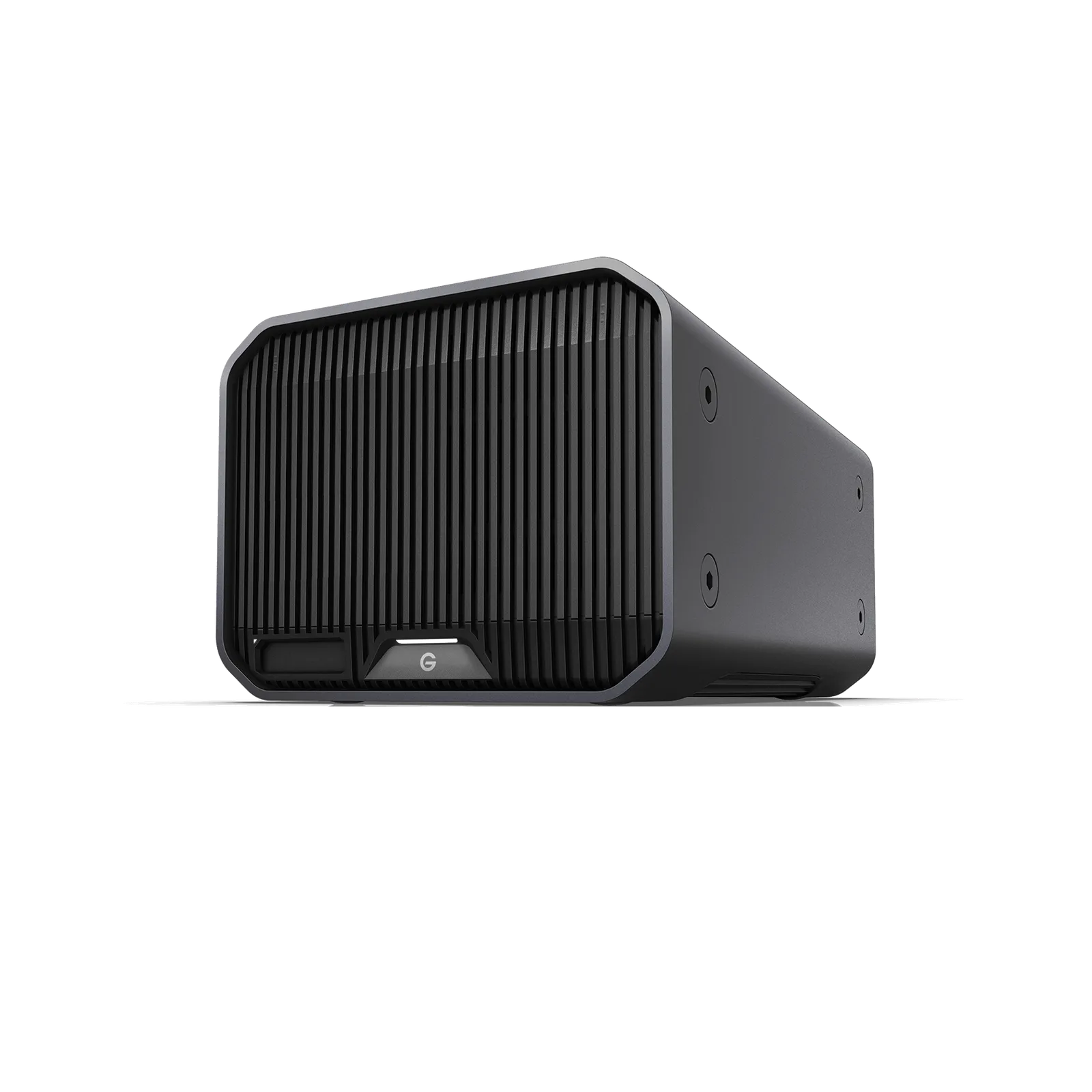
G-DRIVE G-RAID PROJECT 2 16TB
The alternatives
Other contenders
For a larger archive, choose the PROJECT 2 36TB: it offers more than twice the capacity, or 18TB nominal before formatting in RAID 1.13
Choose the LaCie 2big Dock 16TB for camera imports: its built-in CFexpress Type B, CFast 2.0 and SD slots save using separate readers.4
For a smaller USB archive, choose the LaCie 2big RAID 8TB; its included USB-C and USB-A cables accommodate either computer port.56
Buying advice
- Set the RAID mode before loading files. RAID 1 gives 8TB nominal capacity before formatting on the 16TB PROJECT 2; keep a separate backup.12
- The PROJECT 2 supports macOS 11 or later; Windows 10 or later requires reformatting.1
- The older G-Technology G-RAID models use Thunderbolt 2 and USB 3.0. Check your computer connection before choosing one for an existing setup.910
9 models / at a glance
Key differences
Compare the options
9 products
Narrow your options
Reset requirements9 models compared.
Warranty (years); higher is preferred · 0 to 5
Capacity (TB); higher is preferred · 0 to 36
Product image unavailableLaCie 2big Dock 16TB
Product image unavailableLaCie 2big Dock 20TB
Product image unavailableLaCie 2big RAID 8TB
Product image unavailableLaCie 2big RAID 16TB
Compare models side by side
Choose two or three products to compare.
Models in this comparison
G-DRIVE G-RAID PROJECT 2 16TB
- Capacity
- 16 TB1
G-DRIVE G-RAID PROJECT 2 24TB
- Capacity
- 24 TB2
G-DRIVE G-RAID PROJECT 2 36TB
- Capacity
- 36 TB1
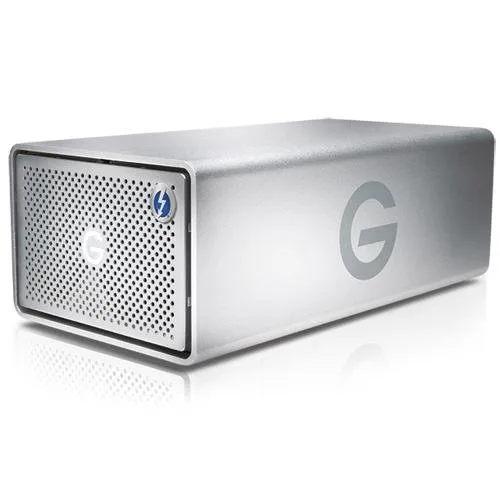
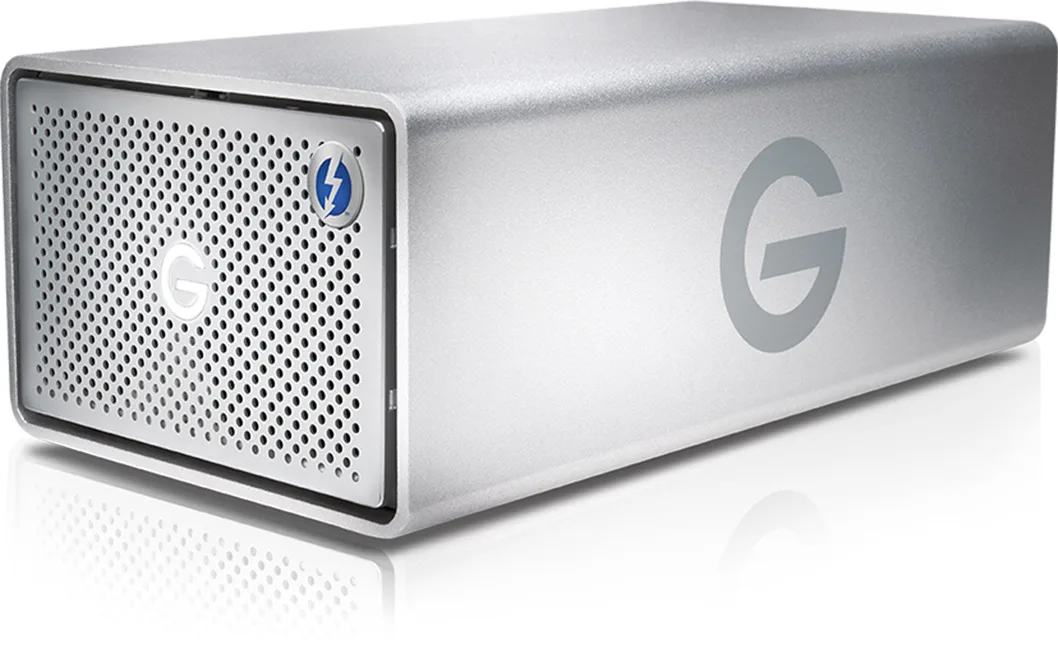
G-Technology G-RAID with Thunderbolt 12000GB
- Capacity
- 12 TB7
G-Technology G-RAID with Thunderbolt 16000GB
- Capacity
- 16 TB (16000 GB)8
LaCie 2big Dock 16TB
- Capacity
- 16 TB4
LaCie 2big Dock 20TB
- Capacity
- 20 TB4
LaCie 2big RAID 8TB
- Capacity
- 8 TB5
LaCie 2big RAID 16TB
- Capacity
- 16 TB6
Every specification for these products
| Specification | G-DRIVE G-RAID PROJECT 2 16TB | G-DRIVE G-RAID PROJECT 2 24TB | G-DRIVE G-RAID PROJECT 2 36TB | G-Technology G-RAID with Thunderbolt 12000GB | G-Technology G-RAID with Thunderbolt 16000GB | LaCie 2big Dock 16TB | LaCie 2big Dock 20TB | LaCie 2big RAID 8TB | LaCie 2big RAID 16TB |
|---|---|---|---|---|---|---|---|---|---|
| Transfer speed | Up to 480 MB/s1 | 480 MB/s (Environment: Performance may vary with host device, usage conditions, drive capacity and RAID configuration.; Test method: Based on internal testing; Tested configuration: 24TB model in RAID 0)2 | 510 MB/s (Environment: Performance may vary with host device, usage conditions, drive capacity and RAID configuration.; Test method: Maker up-to read rating based on internal testing; Tested configuration: 36TB model in RAID 0)1 | Up to 480 MB/s9 | Up to 480 MB/s10 | 550 MB/s (Tested configuration: 16TB model in RAID 0)11 | 550 MB/s (Tested configuration: 20TB model in RAID 0)12 | 440 MB/s5 | 440 MB/s5 |
| Capacity | 16 TB1 | 24 TB2 | 36 TB1 | 12 TB7 | 16 TB (16000 GB)8 | 16 TB4 | 20 TB4 | 8 TB5 | 16 TB6 |
| Ports | Thunderbolt™ 3 (40Gbps) | USB 3.2 Gen 2x1 (10Gbps)1 | Thunderbolt 3 USB 3.2 Gen 22 | Thunderbolt™ 3 (40Gbps) | USB 3.2 Gen 2x1 (10Gbps)1 | 2 x Thunderbolt 2, 1 x USB 3.0 Ports9 | Thunderbolt 2 and USB 3.010 | 2 x Thunderbolt™ 3 (up to 40Gb/s) (Host interface: Works With USB-C host: USB 40Gbps, USB 20Gbps, USB 10Gbps, USB 5Gbps, Thunderbolt 5, Thunderbolt 4, Thunderbolt 3)4 | 2 x Thunderbolt™ 3 (up to 40Gb/s) (Host interface: Works With USB-C host: USB 40Gbps, USB 20Gbps, USB 10Gbps, USB 5Gbps, Thunderbolt 5, Thunderbolt 4, Thunderbolt 3)4 | USB 3.2 Gen 2 (up to 10Gb/s) USB-C6 | USB 3.1 Gen 2 type C port5 |
| RAID modes | RAID 0 to RAID 1 or JBOD2 | default RAID 0 to RAID 1 or JBOD2 | default RAID 0 to RAID 1 or JBOD3 | Preconfigured RAID 0, also configurable to RAID 18 | Preconfigured RAID 0, also configurable to RAID 110 | RAID 0/14 | RAID 0/14 | RAID 0, 1, or JBOD5 | RAID 0, 1, or JBOD5 |
| Drive bays | 2 bays1 | 2 bays2 | 2 bays1 | 2 bays8 | 2 bays8 | 2 bays11 | 2 bays12 | 2 bays13 | 2 bays5 |
| Warranty | 5 years1 | 5 years2 | 5 years1 | 3 years8 | 3 years10 | 5 years4 | 5 years4 | 5 years5 | 5 years14 |
How they compare
Scroll the table to see every product and specification.
| Specification | Our pickG-DRIVE G-RAID PROJECT 2 16TB | G-DRIVE G-RAID PROJECT 2 24TB | G-DRIVE G-RAID PROJECT 2 36TB | G-Technology G-RAID with Thunderbolt 12000GB | G-Technology G-RAID with Thunderbolt 16000GB | LaCie 2big Dock 16TB | LaCie 2big Dock 20TB | LaCie 2big RAID 8TB | LaCie 2big RAID 16TB |
|---|---|---|---|---|---|---|---|---|---|
| Transfer speed | Up to 480 MB/s1 | 480 MB/s (Environment: Performance may vary with host device, usage conditions, drive capacity and RAID configuration.; Test method: Based on internal testing; Tested configuration: 24TB model in RAID 0)2 | 510 MB/s (Environment: Performance may vary with host device, usage conditions, drive capacity and RAID configuration.; Test method: Maker up-to read rating based on internal testing; Tested configuration: 36TB model in RAID 0)1 | Up to 480 MB/s9 | Up to 480 MB/s10 | 550 MB/s (Tested configuration: 16TB model in RAID 0)11 | 550 MB/s (Tested configuration: 20TB model in RAID 0)12 | 440 MB/s5 | 440 MB/s5 |
| Capacity | 16 TB1 | 24 TB2 | 36 TB1 | 12 TB7 | 16 TB (16000 GB)8 | 16 TB4 | 20 TB4 | 8 TB5 | 16 TB6 |
| Ports | Thunderbolt™ 3 (40Gbps) | USB 3.2 Gen 2x1 (10Gbps)1 | Thunderbolt 3 USB 3.2 Gen 22 | Thunderbolt™ 3 (40Gbps) | USB 3.2 Gen 2x1 (10Gbps)1 | 2 x Thunderbolt 2, 1 x USB 3.0 Ports9 | Thunderbolt 2 and USB 3.010 | 2 x Thunderbolt™ 3 (up to 40Gb/s) (Host interface: Works With USB-C host: USB 40Gbps, USB 20Gbps, USB 10Gbps, USB 5Gbps, Thunderbolt 5, Thunderbolt 4, Thunderbolt 3)4 | 2 x Thunderbolt™ 3 (up to 40Gb/s) (Host interface: Works With USB-C host: USB 40Gbps, USB 20Gbps, USB 10Gbps, USB 5Gbps, Thunderbolt 5, Thunderbolt 4, Thunderbolt 3)4 | USB 3.2 Gen 2 (up to 10Gb/s) USB-C6 | USB 3.1 Gen 2 type C port5 |
| RAID modes | RAID 0 to RAID 1 or JBOD2 | default RAID 0 to RAID 1 or JBOD2 | default RAID 0 to RAID 1 or JBOD3 | Preconfigured RAID 0, also configurable to RAID 18 | Preconfigured RAID 0, also configurable to RAID 110 | RAID 0/14 | RAID 0/14 | RAID 0, 1, or JBOD5 | RAID 0, 1, or JBOD5 |
| Drive bays | 2 bays1 | 2 bays2 | 2 bays1 | 2 bays8 | 2 bays8 | 2 bays11 | 2 bays12 | 2 bays13 | 2 bays5 |
| Warranty | 5 years1 | 5 years2 | 5 years1 | 3 years8 | 3 years10 | 5 years4 | 5 years4 | 5 years5 | 5 years14 |
Sources
Compare two models
- G-Technology G-RAID with Thunderbolt 12000GB vs G-DRIVE G-RAID PROJECT 2 16TB
- G-Technology G-RAID with Thunderbolt 16000GB vs G-DRIVE G-RAID PROJECT 2 16TB
- LaCie 2big RAID 8TB vs G-DRIVE G-RAID PROJECT 2 16TB
- LaCie 2big RAID 16TB vs G-DRIVE G-RAID PROJECT 2 16TB
- G-DRIVE G-RAID PROJECT 2 16TB vs LaCie 2big Dock 16TB
- G-DRIVE G-RAID PROJECT 2 16TB vs LaCie 2big Dock 20TB
- G-DRIVE G-RAID PROJECT 2 16TB vs G-DRIVE G-RAID PROJECT 2 24TB
- G-DRIVE G-RAID PROJECT 2 16TB vs G-DRIVE G-RAID PROJECT 2 36TB