Head to head
Lexar Play Pro 1TB vs Samsung P9 Express 512GB
Our pick
Lexar Play Pro 1TB
microSD Express Cards
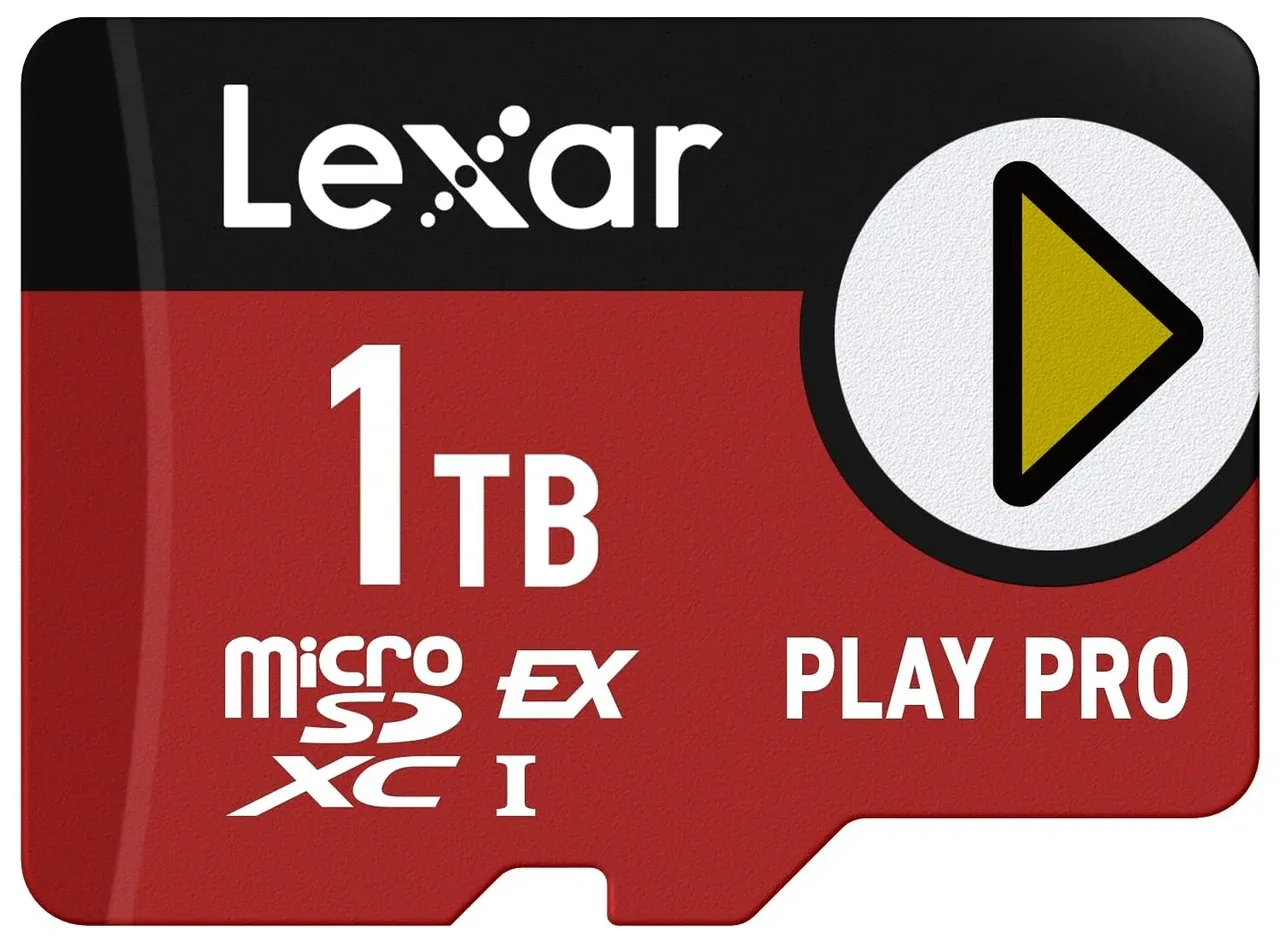
Product photographs. Not to scale.
What Samsung P9 Express 512GB offers
Choose this 512GB P9 Express for a compatible Express host when you also want UHS-I fallback for an older device; the advertised 800MB/s read rate applies to Express mode, while Samsung rates UHS-I reads at 90MB/s.3
2 models / at a glance
Key differences
What differs
| Specification | Lexar Play Pro 1TB | Samsung P9 Express 512GB |
|---|---|---|
| Capacity | 1,000 GB1 | 512 GB3 |
More details
| Specification | Lexar Play Pro 1TB | Samsung P9 Express 512GB |
|---|---|---|
| Rated sequential read speed | 900 MB/s (Host interface: Maximum speeds reached only when used with a microSD Express host device.; Test method: Speeds based on internal testing. Actual performance may vary.)2 | 800 MB/s (Host interface: 800MB/s is the SD Express rating; the maker separately specifies UHS-I sequential read90MB/s.; Test method: Internal testing with the P9 Express512GB card on a PCIe test board; actual performance varies with host, interface and usage.)3 |
| Rated sequential write speed | 600 MB/s (Host: Lexar microSD Express card reader; Host interface: Maximum speeds reached only when used with a microSD Express host device.; Test method: Speeds based on internal testing. Actual performance may vary.)2 | 200 MB/s (Test method: Reviewer-stated rating for the256GB/512GB P9 line, not a measured512GB result; this review tested the256GB card. Samsung’s WW maker page does not publish a sequential-write rating.)4 |
| Warranty | Limited lifetime1 | Three years (Workload: Warranty excludes dashcam, CCTV, surveillance camera and other write-intensive uses.)3 |
| Measured sequential write speed | 310.03 MB/s (Test method: CrystalDiskMark in its default flash memory settings)5 | Not published |
| Measured sequential read speed | 831.97 MB/s (Test method: CrystalDiskMark in its default flash memory settings)5 | Not published |
| Brand | Lexar1 | Samsung6 |