Head to head
Samsung 860 EVO 1TB vs Crucial MX500 M.2 500GB
Our pick
Samsung 860 EVO 1TB
For files that must be encrypted on the drive itself
Why this one
- Check that your system supports the drive’s security mode and that you can configure and activate it. A hardware-encryption capability does not establish that stored files are already protected.1
- Choose the Samsung 860 EVO M.2 1TB for its documented hardware-encryption capability when the supported security setup meets your needs. It fits a SATA-compatible M.2 2280 slot.1
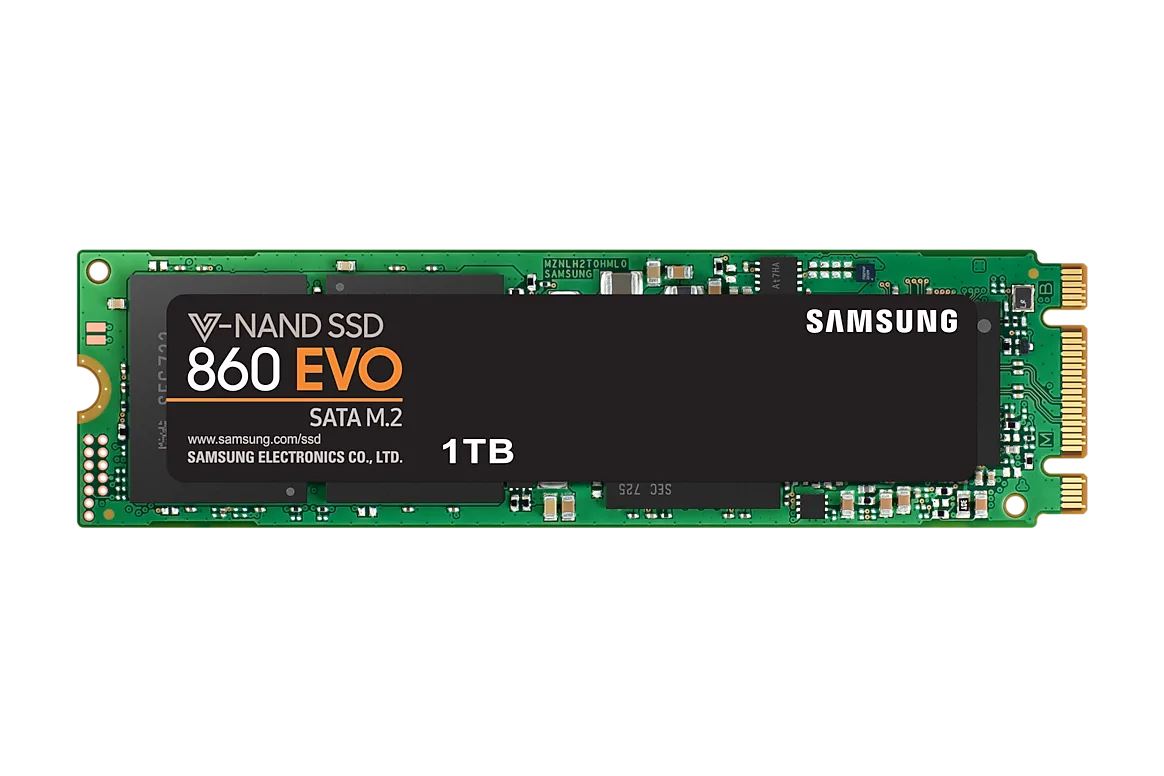
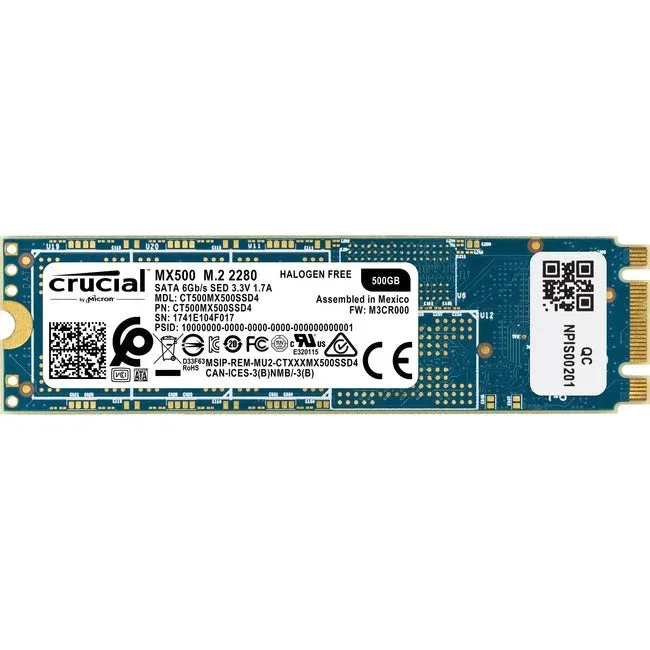
Product photographs. Not to scale.
What Crucial MX500 M.2 500GB offers
The Crucial MX500 M.2 500GB suits a smaller file collection, with five-year coverage and a 180TB rated write allowance. Check the exact warranty terms before buying.2
2 models / at a glance
Key differences
What differs
| Specification | Samsung 860 EVO 1TB | Crucial MX500 M.2 500GB |
|---|---|---|
| Capacity | 1,000 GB1 | 500 GB2 |
| Endurance | 600 TB1 | 180 TB2 |
More details
| Specification | Samsung 860 EVO 1TB | Crucial MX500 M.2 500GB |
|---|---|---|
| Read speed | 550 MB/s (Test method: CrystalDiskMark v.5.0.2; Tested configuration: Intel Core i5-3550 CPU@3.3GHz, DDR3 1333MHz 4GB, Windows 7 Ultimate 64bit, ASUS P8H77-V)1 | 560 MB/s3 |
| Write speed | 520 MB/s (Test method: CrystalDiskMark v.5.0.2; Tested configuration: Intel Core i5-3550 CPU@3.3GHz, DDR3 1333MHz 4GB, Windows 7 Ultimate 64bit, ASUS P8H77-V; Workload: Intelligent TurboWrite region; after region 500MB/s (1TB))1 | 510 MB/s3 |
| Warranty | 5 years (Duration: stated time period or the TBW, whichever comes first; 1TB 600TB)1 | 5 years2 |
| DRAM cache | Yes1 | Not published |
| Up to Random read | 98,000 IOPS (Workload: 4K QD32)4 | Not published |
| Up to Random write | 90,000 IOPS (Workload: 4K QD32)4 | Not published |
| Hardware encryption | Yes1 | Yes2 |
| Module size | M.2 22801 | 22802 |
| Storage protocol | Sata1 | Sata3 |