Head to head
WD Elements 22TB vs WD My Book 26TB
Our pick
WD My Book 26TB
Single-Drive Desktop External Drives
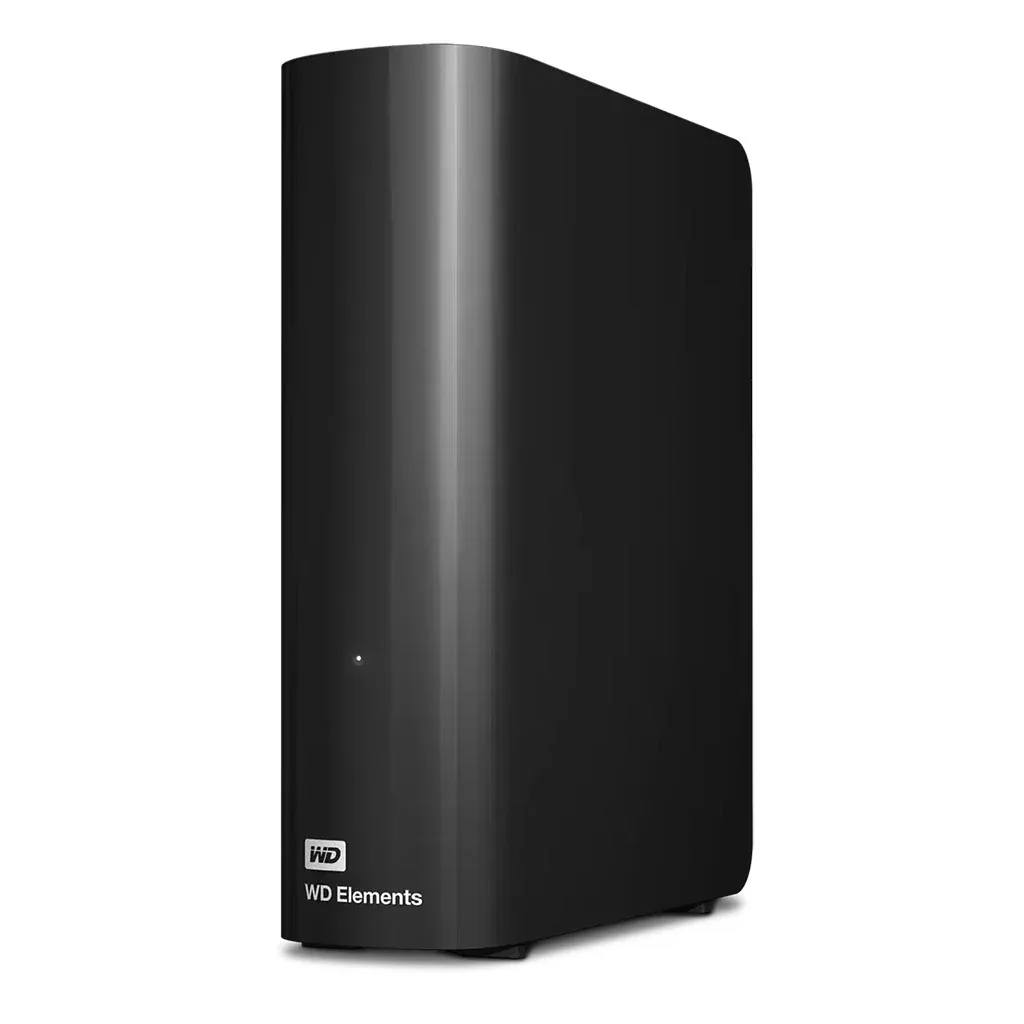
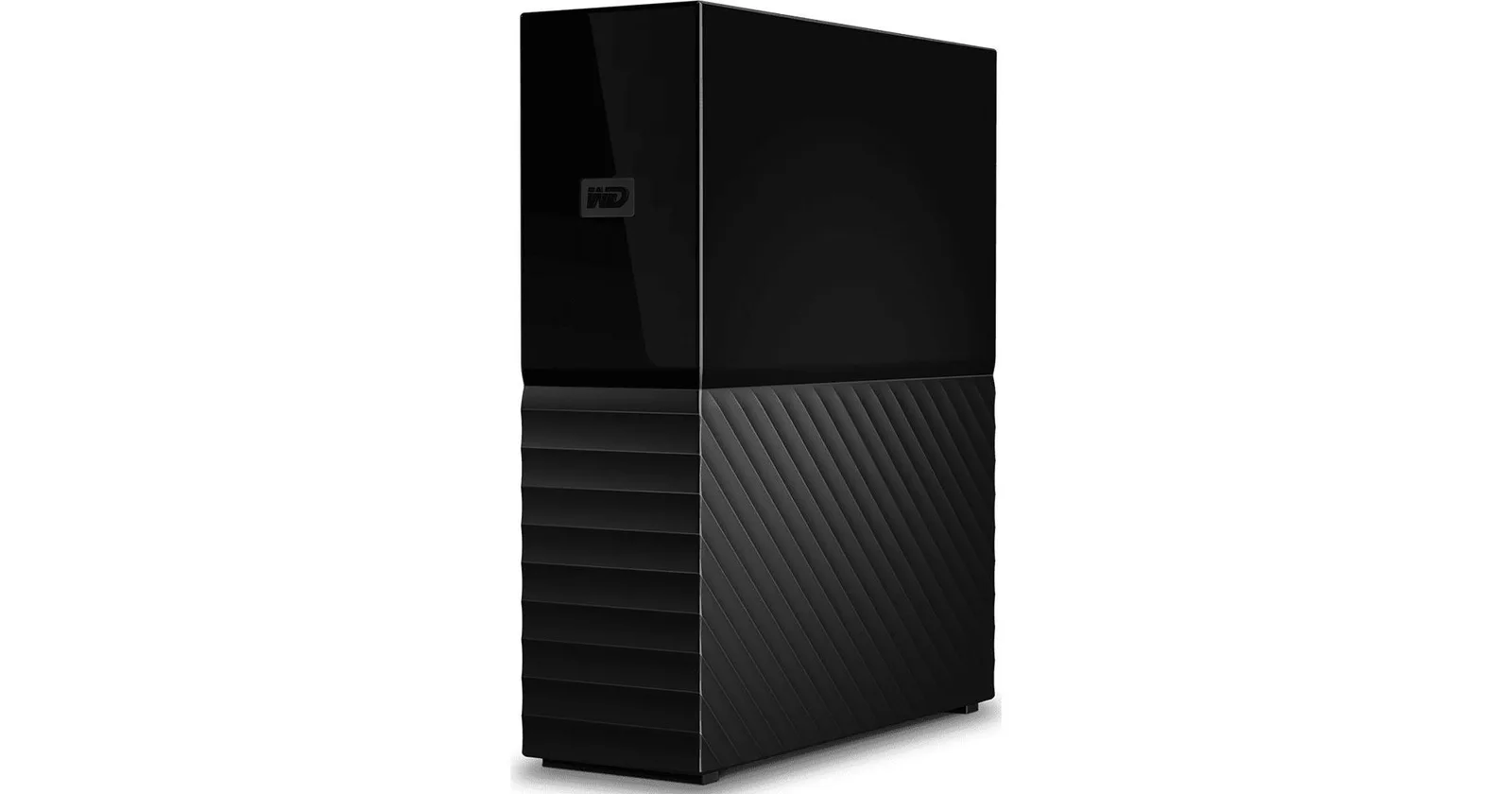
Product photographs. Not to scale.
What WD Elements 22TB offers
Choose the WD Elements 22TB when that capacity fits your collection; it provides USB connectivity with a two-year warranty outside China, where the stated term is three years.2
2 models / at a glance
Key differences
What differs
| Specification | WD Elements 22TB | WD My Book 26TB |
|---|---|---|
| Capacity | 22 TB2 | 26 TB1 |
More details
| Specification | WD Elements 22TB | WD My Book 26TB |
|---|---|---|
| Hard drive or SSD | Hdd3 | Hdd4 |
| Warranty | 2 years (Environment: 2 years worldwide; 3 years China only. The term depends on the country of purchase.)2 | 3 years5 |
| Hardware encryption | Not published | Yes1 |
| Password protection | Not published | Yes1 |
| Operating system support | Not published | Formatted exFAT for out-of-the-box compatibility: Windows® 10+ | macOS 11+1 |
| Included backup software | Not published | Acronis® True Image™ for Western Digital1 |
| USB interface | USB 3.2 Gen 1/USB 3.0 and USB 2.02 | USB 3.04 |