Buying guide
Closed Drive Enclosures
Our pick
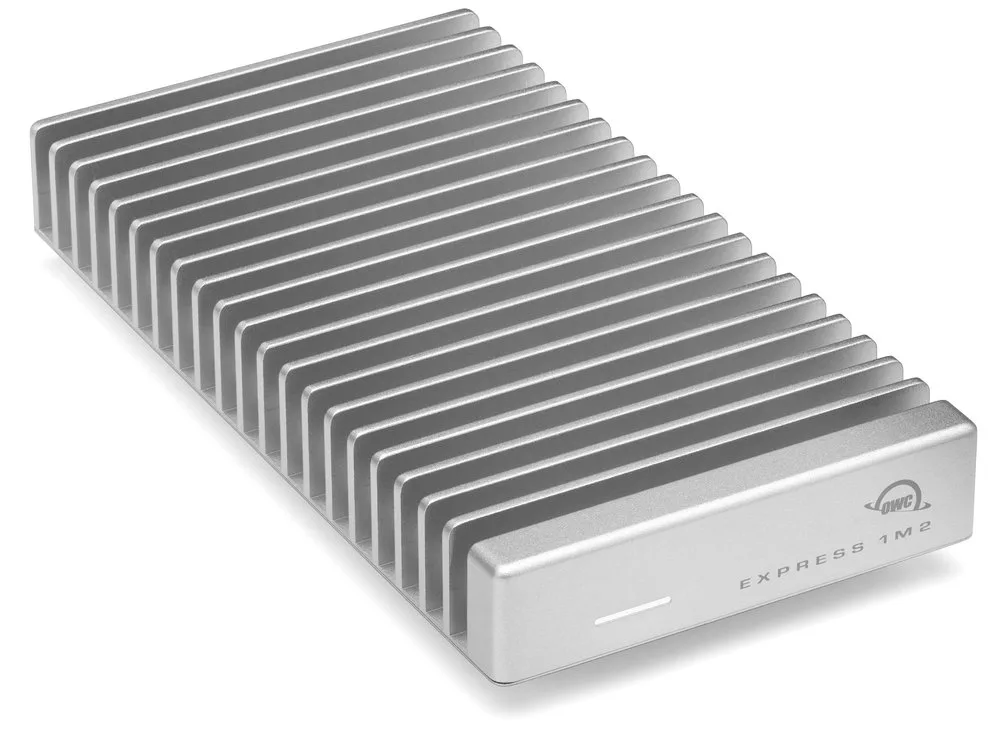
OWC Express 1M2
Choose the empty OWC Express 1M2 for a single NVMe drive and a USB4 host, with a supplied cable and two-year warranty.1
Why this one
- Reuse your own compatible SSD in the empty enclosure: it accepts single- or double-sided 2230, 2242 and 2280 NVMe modules and includes a 0.3 m USB-C cable.1
The alternatives
Other contenders
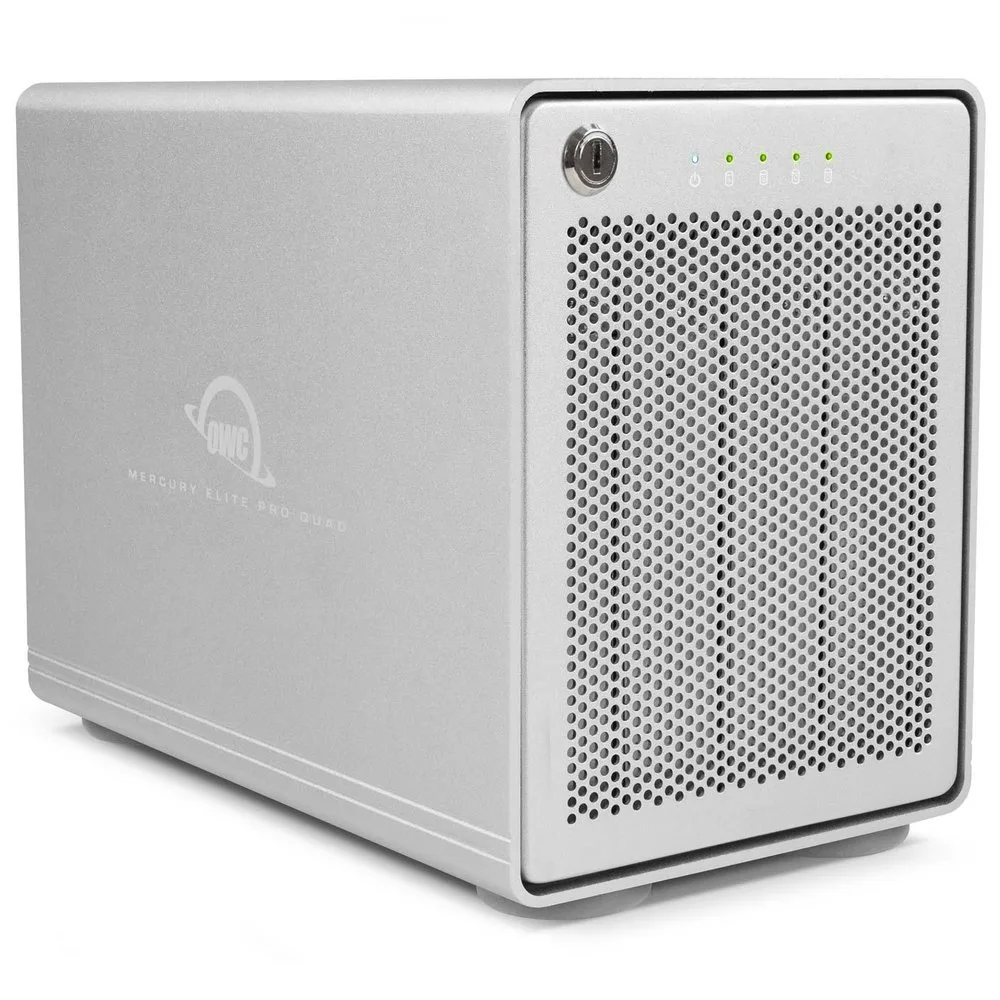
For four SATA drives on a USB computer, choose the empty Mercury Elite Pro Quad. It fits 2.5- and 3.5-inch SATA drives and includes both USB-C and USB-A cables.610
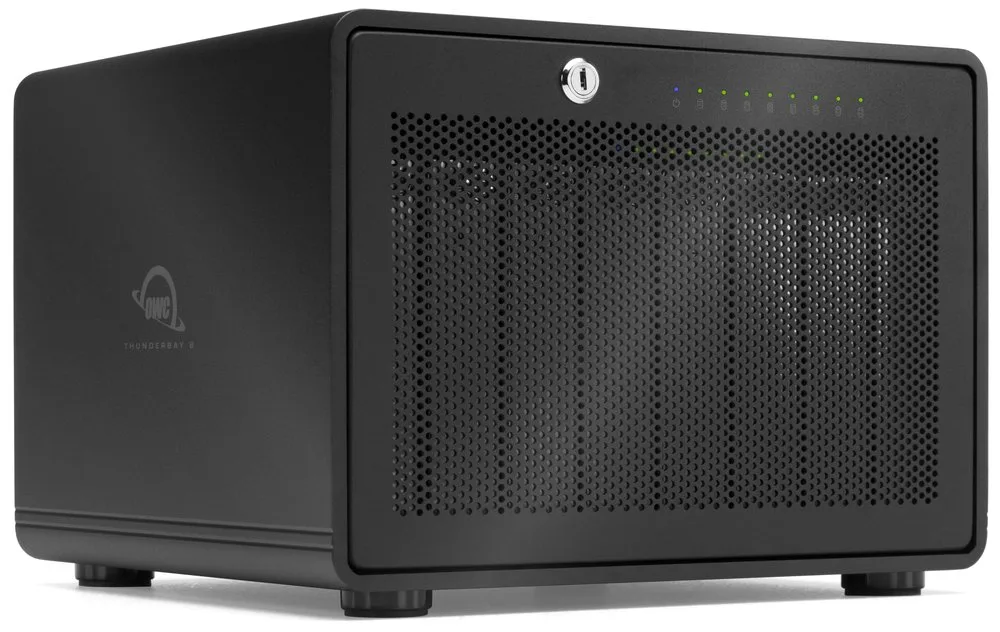
Choose the empty ThunderBay 8 when you need eight SATA drive bays and have a Thunderbolt 3 host. It accepts both 2.5- and 3.5-inch SATA drives.78
For swapping drives without tools
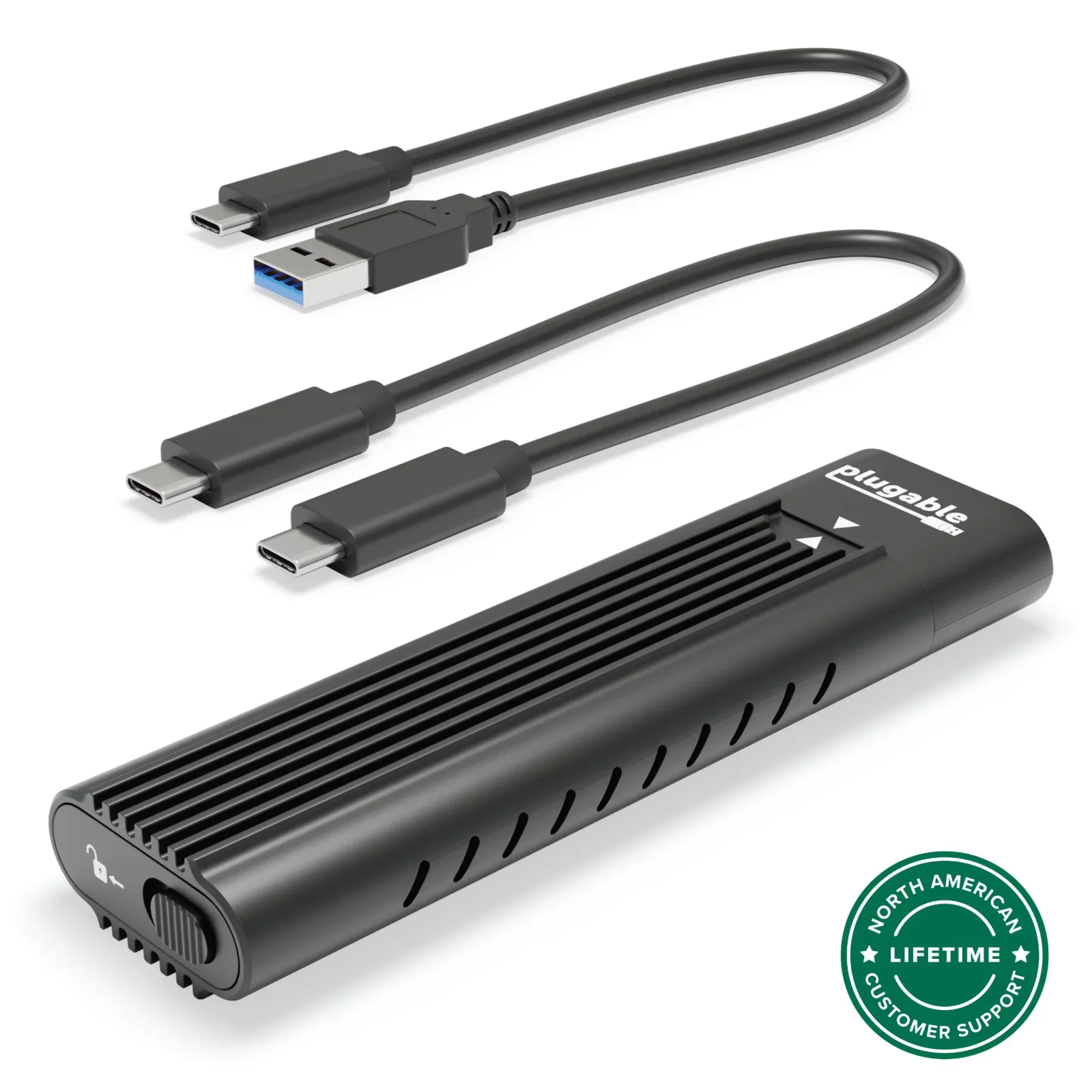
For frequent SSD changes, choose an enclosure with tool-free installation and the cables your computer needs.9 The Plugable USBC-NVMe is tool-free and bus-powered, with USB-C and USB-A cables. It accepts NVMe drives, while its connection operates as USB 3.1 Gen 2.9
For computers with 40 Gb/s ports
Use a USB4 40Gb/s enclosure when your computer supports that connection; also check the SSD’s physical size.1 The Express 1M2 includes a matching 40Gb/s cable and supports the small 2230 format as well as 2242 and 2280 NVMe drives.1
8 models / at a glance
Key differences
Compare the options
8 products
Narrow your options
Reset requirements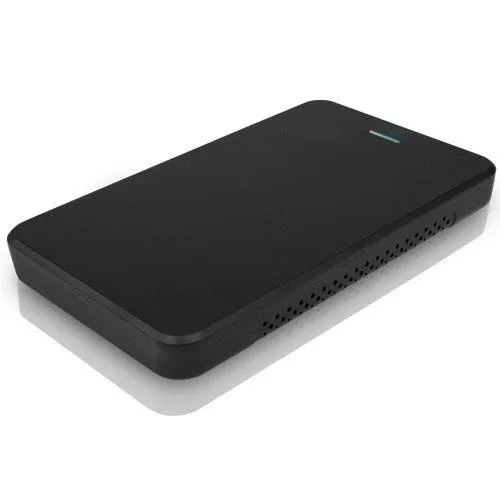
Compare models side by side
Choose two or three products to compare.
Models in this comparison
OWC Express 1M2
- Warranty
- 2 years1
OWC Express
- Warranty
- 1 year11
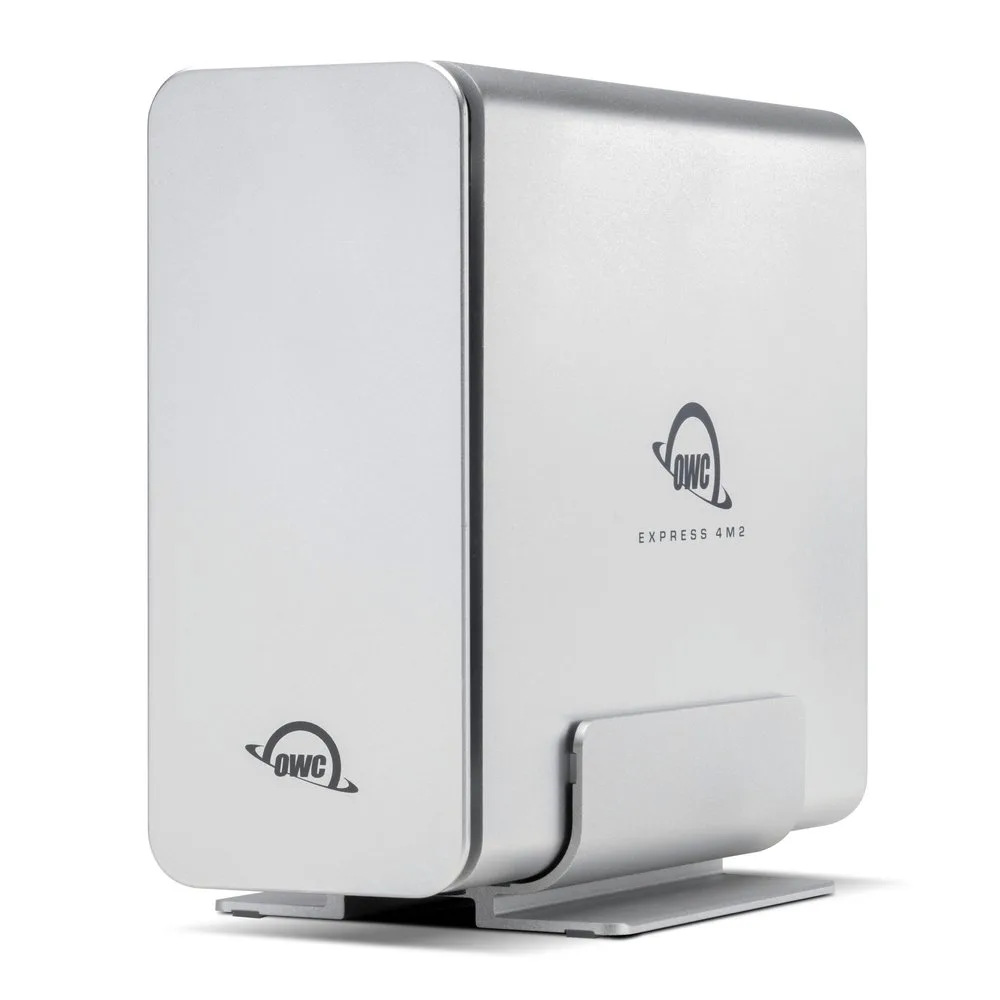
OWC Express 4M2
- Warranty
- Not published
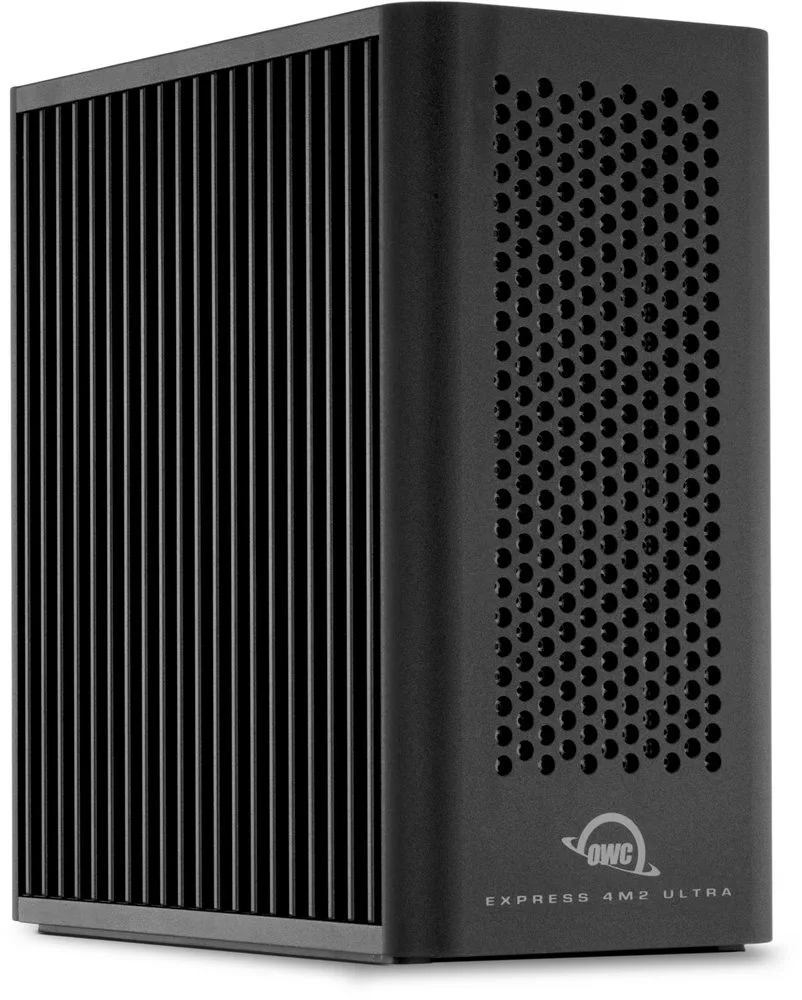
OWC Express 4M2 Ultra
- Warranty
- 2 years12
OWC Mercury Elite Pro Quad
- Warranty
- 1 year10
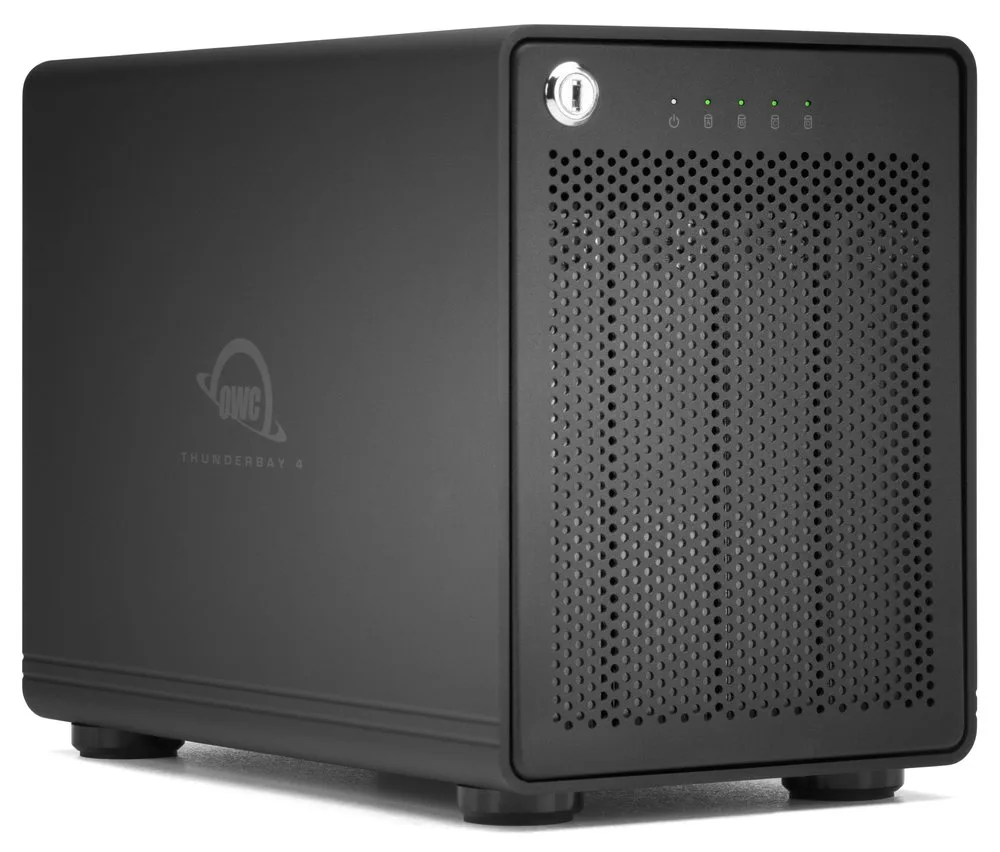
OWC ThunderBay 4
- Warranty
- Not published
OWC ThunderBay 8
- Warranty
- Not published
Plugable USBC-NVMe
- Warranty
- 2 years9
Every specification for these products
| Specification | OWC Express 1M2 | OWC Express | OWC Express 4M2 | OWC Express 4M2 Ultra | OWC Mercury Elite Pro Quad | OWC ThunderBay 4 | OWC ThunderBay 8 | Plugable USBC-NVMe |
|---|---|---|---|---|---|---|---|---|
| Interface | USB4 (40Gb/s)1 | USB 3.2 (5Gb/s)2 | USB4 (40Gb/s)4 | Thunderbolt 5 (Host: Mac: macOS14.6.x or later; Thunderbolt5 requires macOS15.3.x or later; Thunderbolt3 and Intel based systems require macOS15.x or later; PC: Windows11(24H2) or later)5 | USB 3.2 Gen 26 | Thunderbolt (USB-C)7 | Thunderbolt 38 | USB 3.1 Gen 29 |
| Compatible drives | NVMe M.2 2230, 2242, or 2280 single or double-sided SSD1 | Any 2.5” SATA drive up to 9.5 mm tall3 | NVMe M.2 SSDs7 | Any PCIe M.2 SSD with 2280 | 2242 M-Key form factor (Host: NVMe SSDs with a heatsink are not supported)5 | 2.5" and 3.5" SATA drives10 | 2.5-inch or 3.5-inch7 | 2.5-inch and 3.5-in SATA Drives8 | M.2 NVMe SSDs (2230, 2242, 2260, 2280)9 |
| Enclosure type | Closed enclosure1 | Closed enclosure3 | Closed enclosure4 | Closed enclosure5 | Closed enclosure6 | Closed enclosure7 | Closed enclosure7 | Closed enclosure9 |
| Power source | Not published | Bus powered2 | Not published | Not published | Not published | Not published | Not published | Bus powered9 |
| Drive bays | Not published | Not published | Not published | 45 | 46 | 47 | 87 | Not published |
| Tool-free | Not published | No3 | Not published | No5 | Not published | Not published | Not published | Yes9 |
| Cooling | Not published | Not published | Not published | Not published | Not published | Not published | Not published | Passive13 |
| RAID modes | Not published | Not published | Not published | RAID 0/1/4/5/10/JBOD (Protocol: SoftRAID or another RAID utility; bare enclosure can be purchased without SoftRAID)12 | Not published | Not published | Not published | Not published |
| Extra ports | Not published | Not published | Not published | second Thunderbolt 5 port12 | Not published | Not published | Not published | Not published |
| Warranty | 2 years1 | 1 year11 | Not published | 2 years12 | 1 year10 | Not published | Not published | 2 years9 |
Compare features
8 products
OWC Express 1M2
- Interface
- USB4 (40Gb/s)1
- Tool-free
- Not published
OWC Express 4M2
- Interface
- USB4 (40Gb/s)4
- Tool-free
- Not published
OWC Mercury Elite Pro Quad
- Interface
- USB 3.2 Gen 26
- Tool-free
- Not published
OWC ThunderBay 4
- Interface
- Thunderbolt (USB-C)7
- Tool-free
- Not published
OWC ThunderBay 8
- Interface
- Thunderbolt 38
- Tool-free
- Not published
How they compare
Scroll the table to see every product and specification.
| Specification | Our pickOWC Express 1M2 | OWC Express | OWC Express 4M2 | OWC Express 4M2 Ultra | OWC Mercury Elite Pro Quad | OWC ThunderBay 4 | OWC ThunderBay 8 | Plugable USBC-NVMe |
|---|---|---|---|---|---|---|---|---|
| Interface | USB4 (40Gb/s)1 | USB 3.2 (5Gb/s)2 | USB4 (40Gb/s)4 | Thunderbolt 5 (Host: Mac: macOS14.6.x or later; Thunderbolt5 requires macOS15.3.x or later; Thunderbolt3 and Intel based systems require macOS15.x or later; PC: Windows11(24H2) or later)5 | USB 3.2 Gen 26 | Thunderbolt (USB-C)7 | Thunderbolt 38 | USB 3.1 Gen 29 |
| Compatible drives | NVMe M.2 2230, 2242, or 2280 single or double-sided SSD1 | Any 2.5” SATA drive up to 9.5 mm tall3 | NVMe M.2 SSDs7 | Any PCIe M.2 SSD with 2280 | 2242 M-Key form factor (Host: NVMe SSDs with a heatsink are not supported)5 | 2.5" and 3.5" SATA drives10 | 2.5-inch or 3.5-inch7 | 2.5-inch and 3.5-in SATA Drives8 | M.2 NVMe SSDs (2230, 2242, 2260, 2280)9 |
| Enclosure type | Closed enclosure1 | Closed enclosure3 | Closed enclosure4 | Closed enclosure5 | Closed enclosure6 | Closed enclosure7 | Closed enclosure7 | Closed enclosure9 |
| Power source | Not published | Bus powered2 | Not published | Not published | Not published | Not published | Not published | Bus powered9 |
| Drive bays | Not published | Not published | Not published | 45 | 46 | 47 | 87 | Not published |
| Tool-free | Not published | No3 | Not published | No5 | Not published | Not published | Not published | Yes9 |
| Cooling | Not published | Not published | Not published | Not published | Not published | Not published | Not published | Passive13 |
| RAID modes | Not published | Not published | Not published | RAID 0/1/4/5/10/JBOD (Protocol: SoftRAID or another RAID utility; bare enclosure can be purchased without SoftRAID)12 | Not published | Not published | Not published | Not published |
| Extra ports | Not published | Not published | Not published | second Thunderbolt 5 port12 | Not published | Not published | Not published | Not published |
| Warranty | 2 years1 | 1 year11 | Not published | 2 years12 | 1 year10 | Not published | Not published | 2 years9 |